Cloud & offline · Web / Desktop / Mobile

Multi-platform inventory management that keeps working when the network does not.

One RESTful API backend, one PostgreSQL database, and three clients — web, desktop and mobile — sharing the same catalogue, stock, sales and reports. Each client keeps a local store and a write queue, so work continues through an outage and syncs automatically when connectivity returns.

Web · Desktop · Mobile Local-first write queue Multi-branch Role-based access Docker Compose stack

Three platforms, one system

Every client talks to the same REST API and database, so records stay consistent everywhere. Each platform also keeps its own local copy and offline queue, so a dropped connection never stops the counter.

Browser

Web

A React application with no installation required. Full back-office: catalogue, inventory, purchasing, point of sale, transfers and reporting.

  • Offline queue stored in IndexedDB
  • Dedicated sync screen with pending/failed counts and retry
  • XLSX, CSV and PDF exports; barcode labels
  • Barcode scan field that auto-adds an exact match
Windows

Desktop

An Electron application for a till or back office, with native access to hardware that a browser cannot reach.

  • Barcode scanning: keyboard-wedge (global) and optional raw-HID via node-hid
  • Silent receipt printing to a selected printer
  • Label printing (CODE128, configurable size and copies)
  • Persistent local store with automatic replay and health probing
Handheld

Mobile

An Expo / React Native app with an on-device SQLite database, for stock takes, receiving and selling away from a desk.

  • Offline actions: sales, stock in/out, products, categories, units of measure
  • Camera barcode scanning
  • Secure token storage and automatic sync on reconnect or foreground
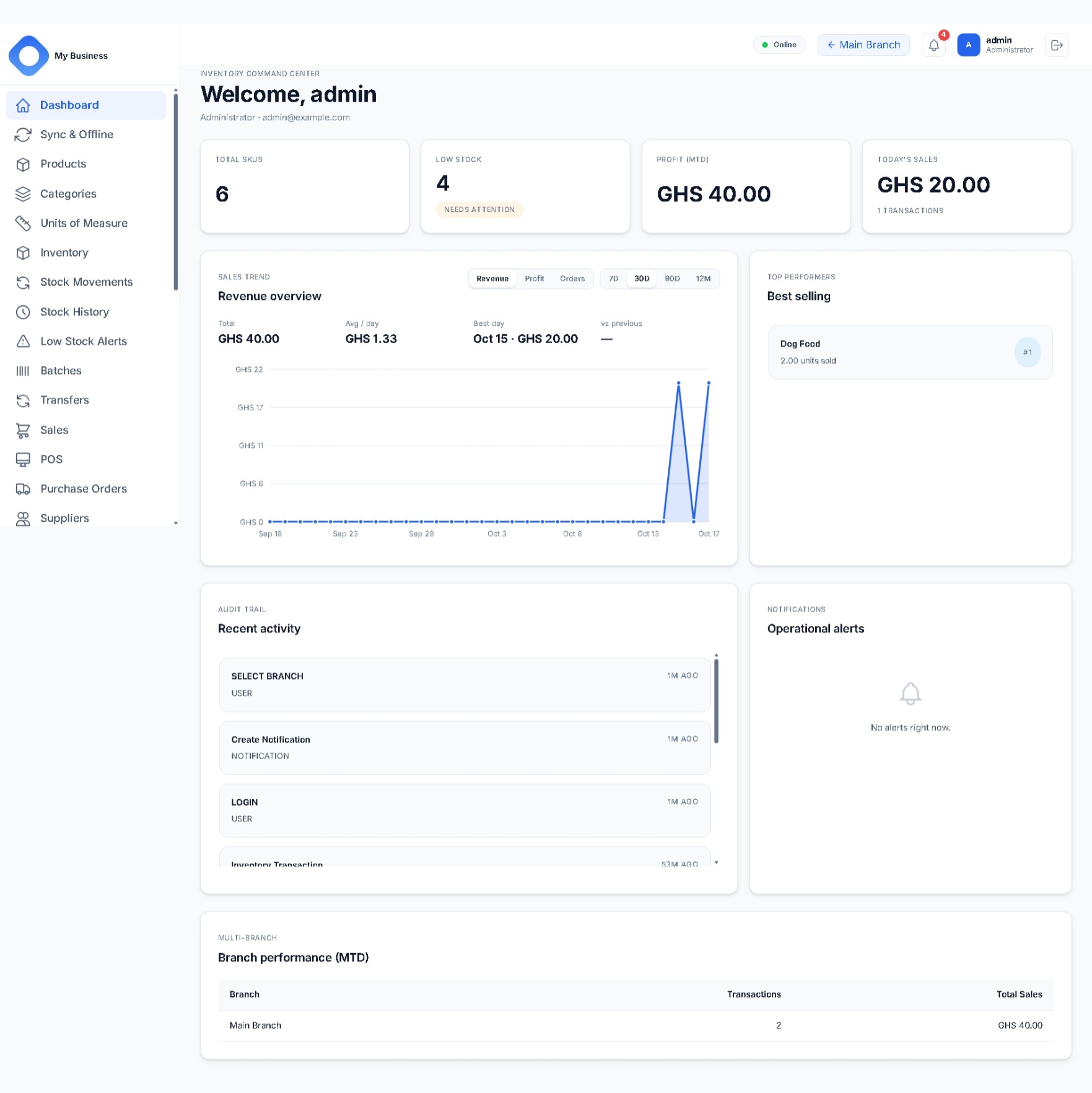
  • Dashboard with sales, profit and low-stock figures, cached for offline viewing

Cloud plus offline: local-first, then sync

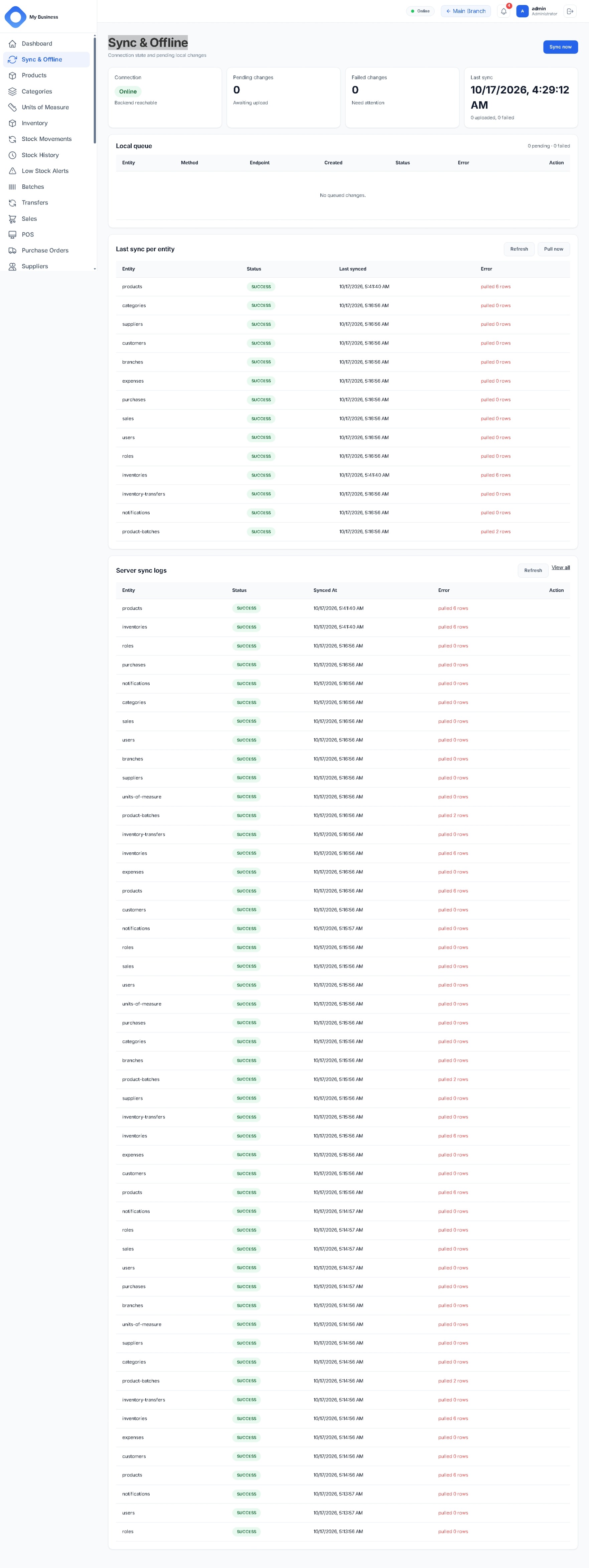
When the connection drops, the client does not fail — it serves reads from its local mirror, records writes in a local outbox, and shows the user exactly what has not reached the server yet. When the connection returns, that queue is replayed safely.

1

Keep working

Reads come from the local mirror (IndexedDB on web and desktop, SQLite on mobile). Writes are appended to a local outbox with a client-generated operation id and applied to the UI immediately.

2

Show the state

A banner reports pending and failed counts with the time of the last successful sync, so staff always know what is still only local.

3

Replay safely

On reconnect, on app foreground, on a timer, or on demand via a sync control, the queue is replayed in order. Each operation carries an idempotency key, so a retry cannot create a duplicate record.

4

Converge

Incremental pull deltas are merged into the local mirror, local-only ids are remapped to server ids as records are created, and failures are retained in a capped conflict log.

Why the replay is safe

Two mechanisms make automatic retries safe. The server claims an idempotency key per device and operation, so a repeated request is recognised and not applied twice. A unique constraint on each client's local transaction id provides a second line of defence at the point where stock and sales are written.

  • Offline: sales, stock in/out, product and category capture, refunds
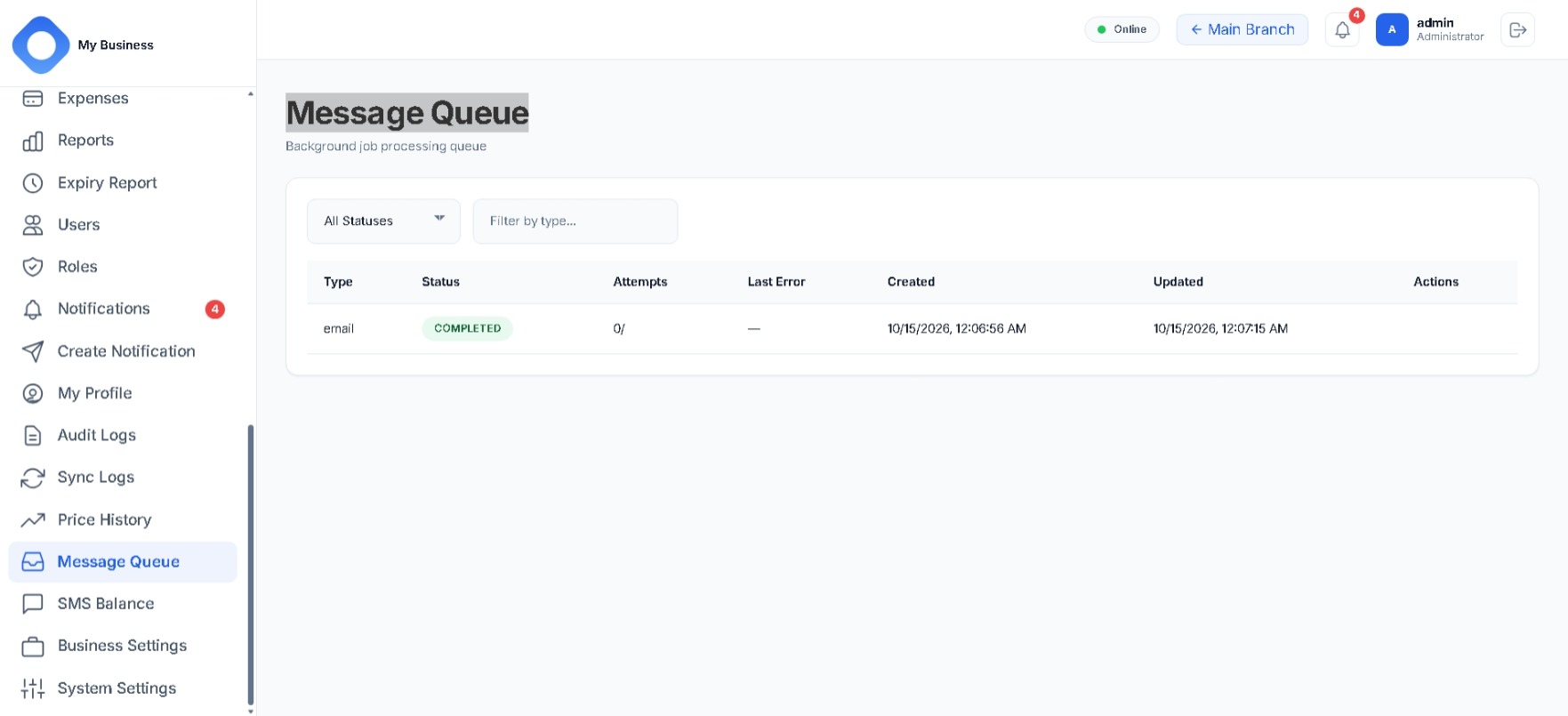
  • Replay with attempt counts and stored error messages per entry
  • Access tokens refreshed transparently once the server is reachable again
  • Failed syncs raise notifications rather than failing silently

What this guarantees

  • No lost work — queued operations persist until they succeed.
  • No duplicates — idempotency keys plus unique local transaction ids.
  • No stale reads — incremental pulls keep the local mirror current.
  • No silent failure — pending and failed work is counted, visible and retryable.

What it does

A single product catalogue flows through purchasing, stock movements, inter-branch transfers, point of sale and reporting.
Product catalogue

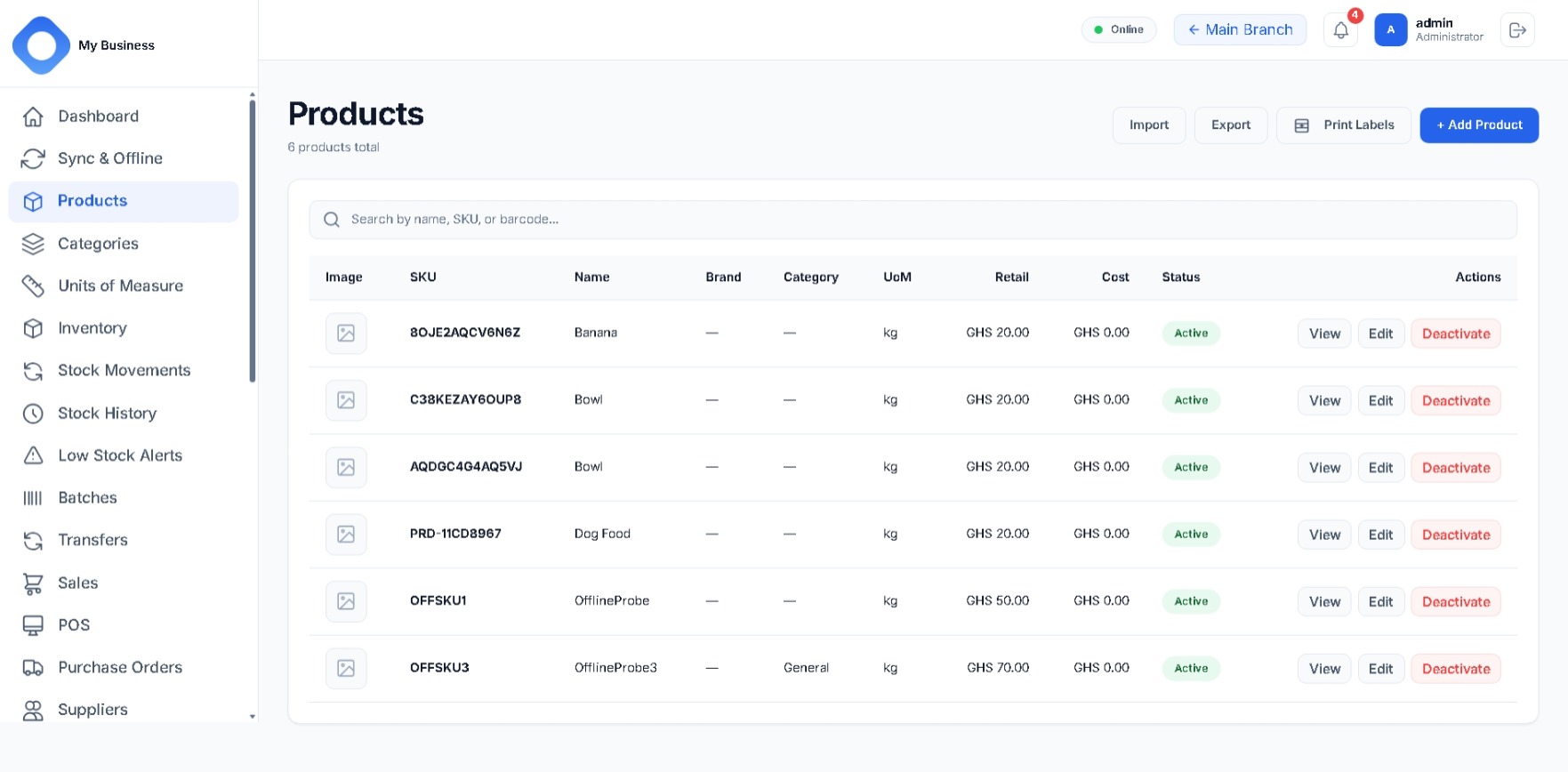
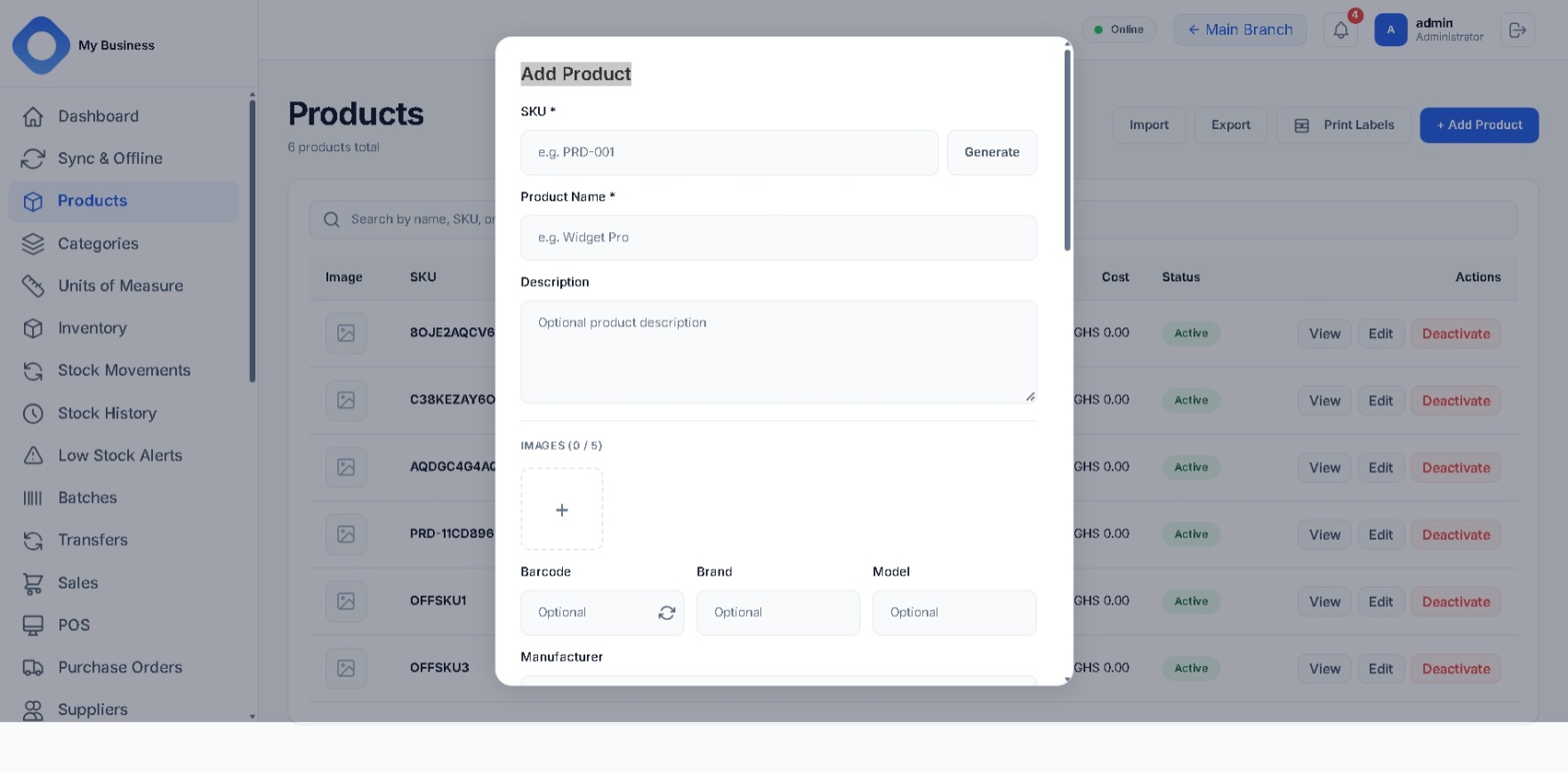
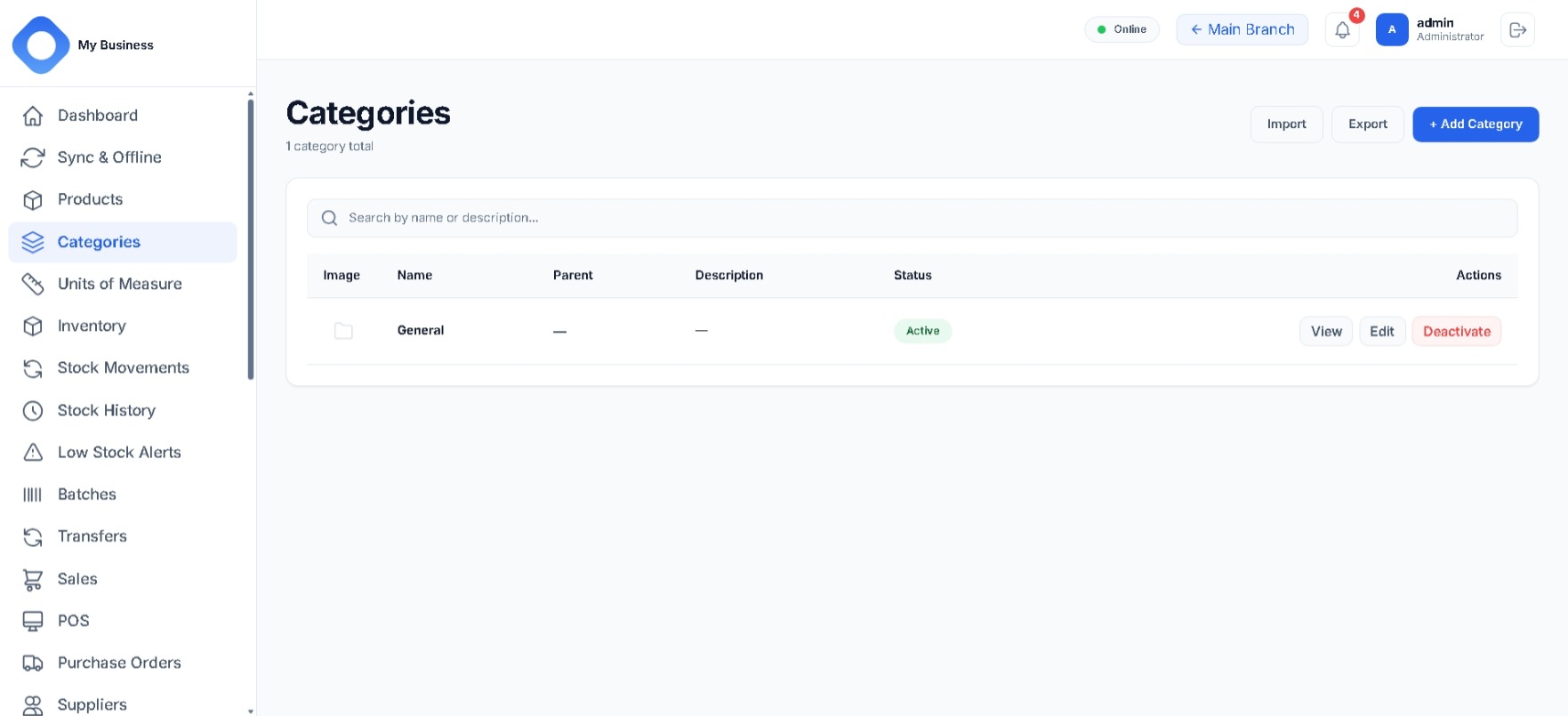
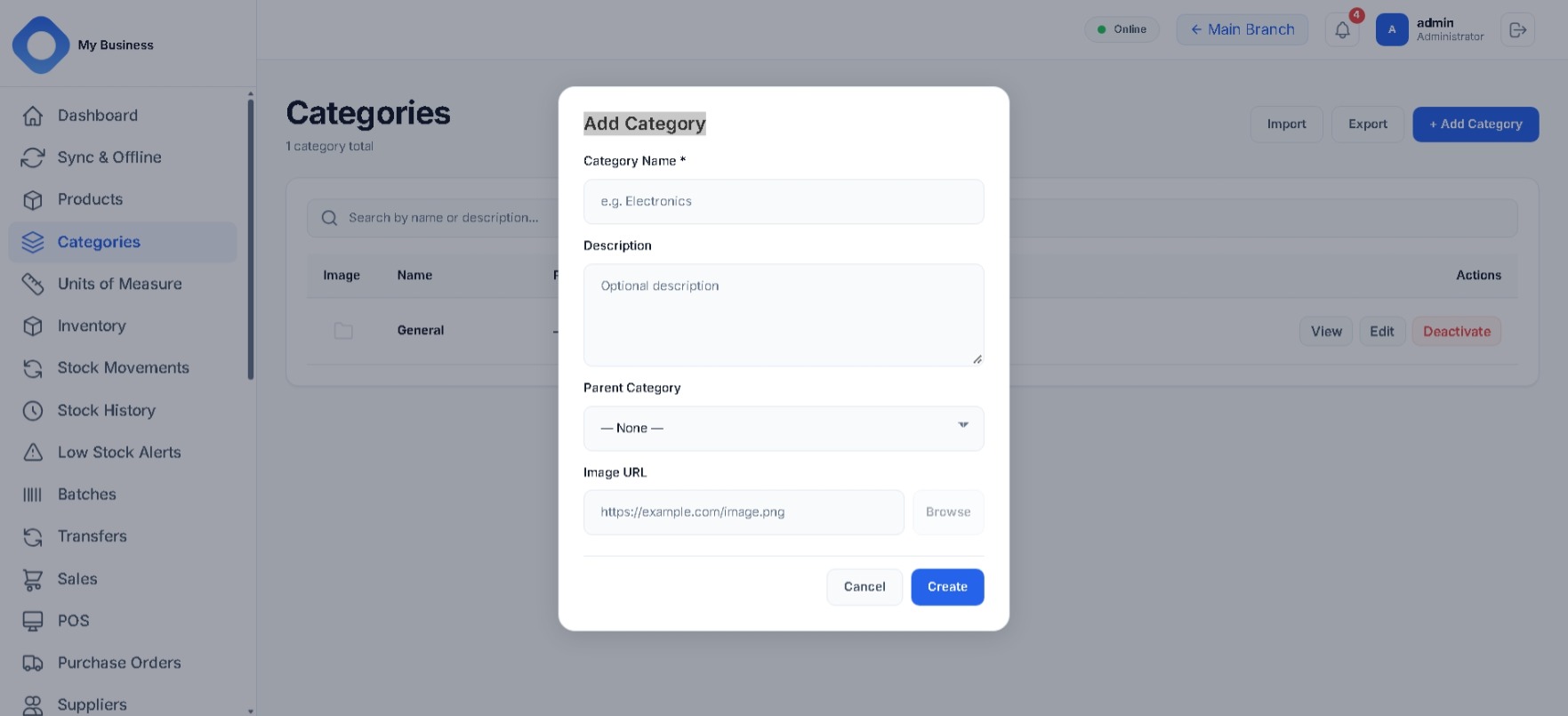
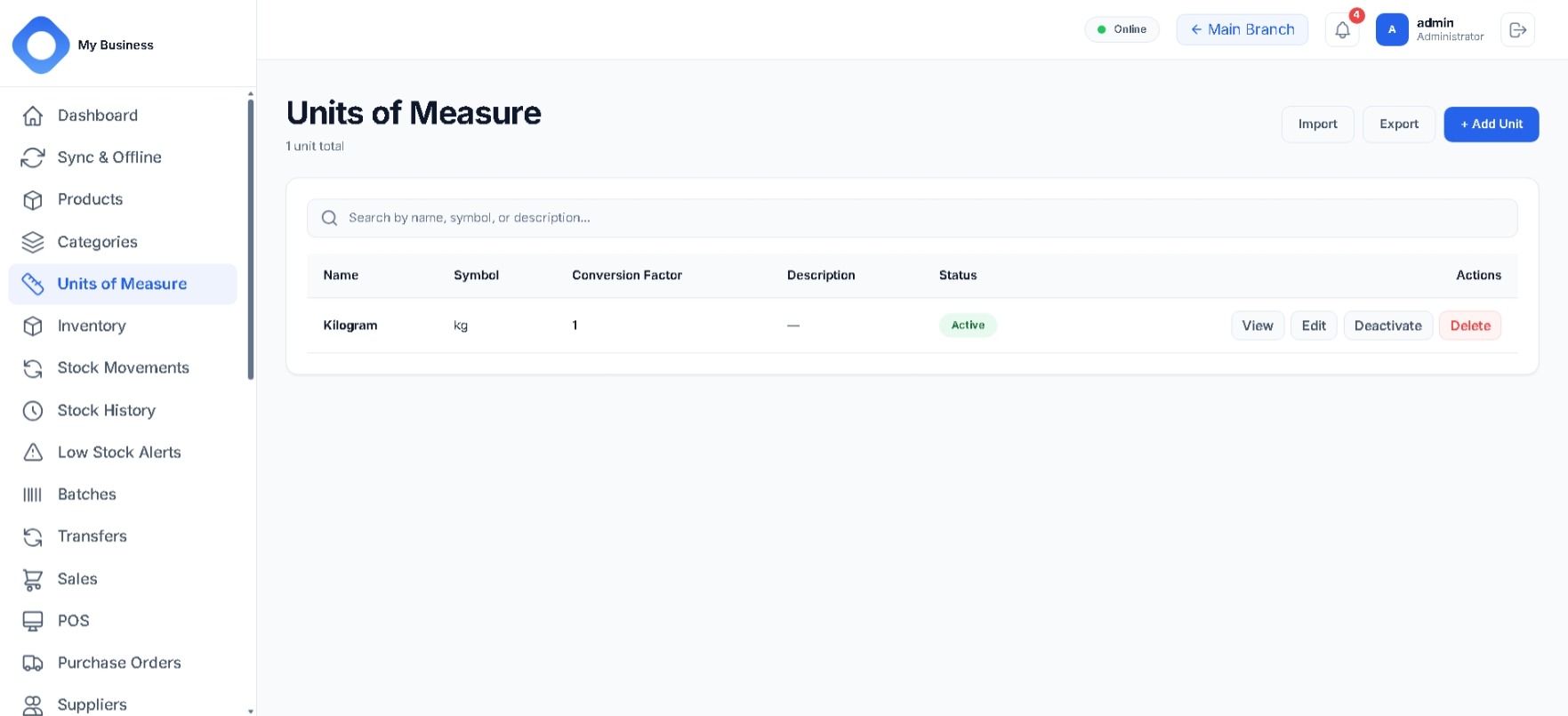
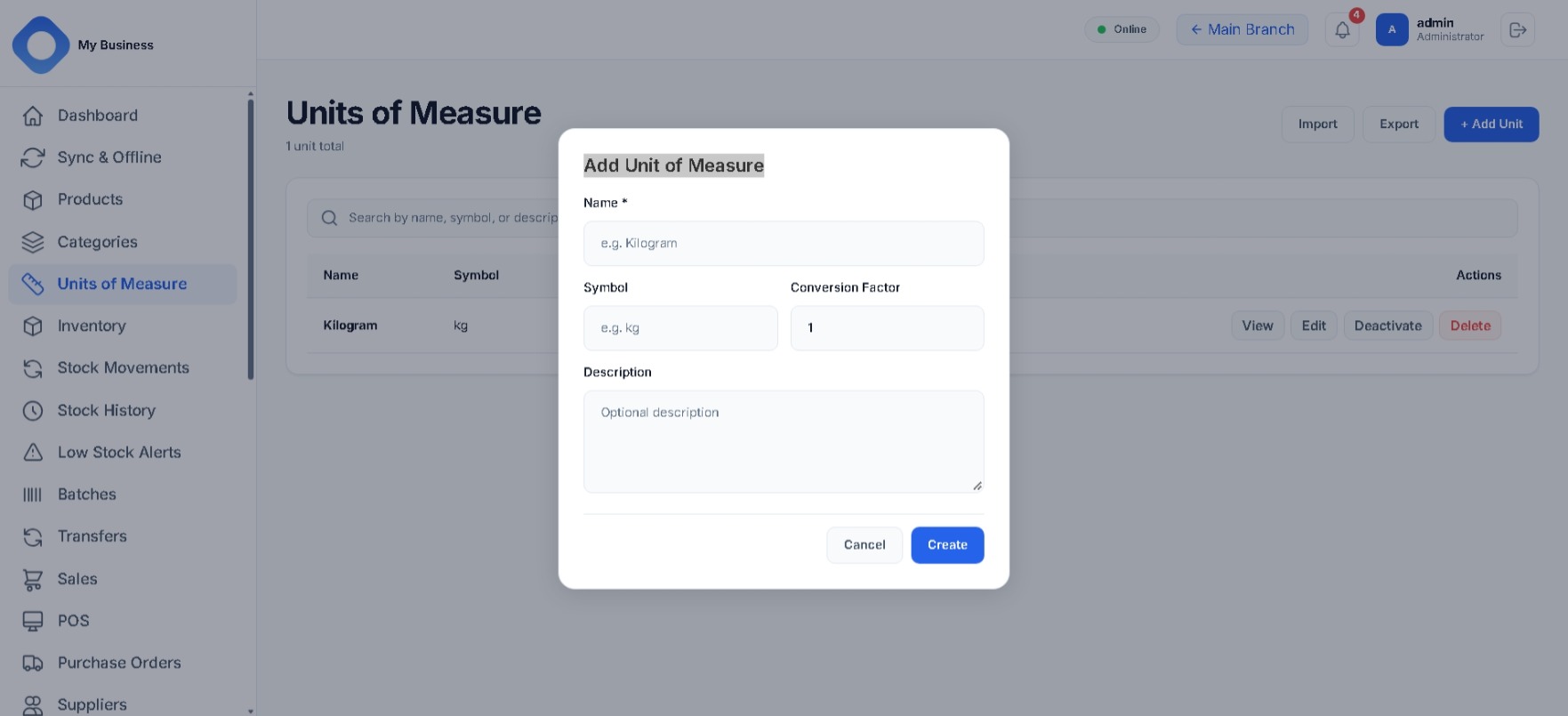
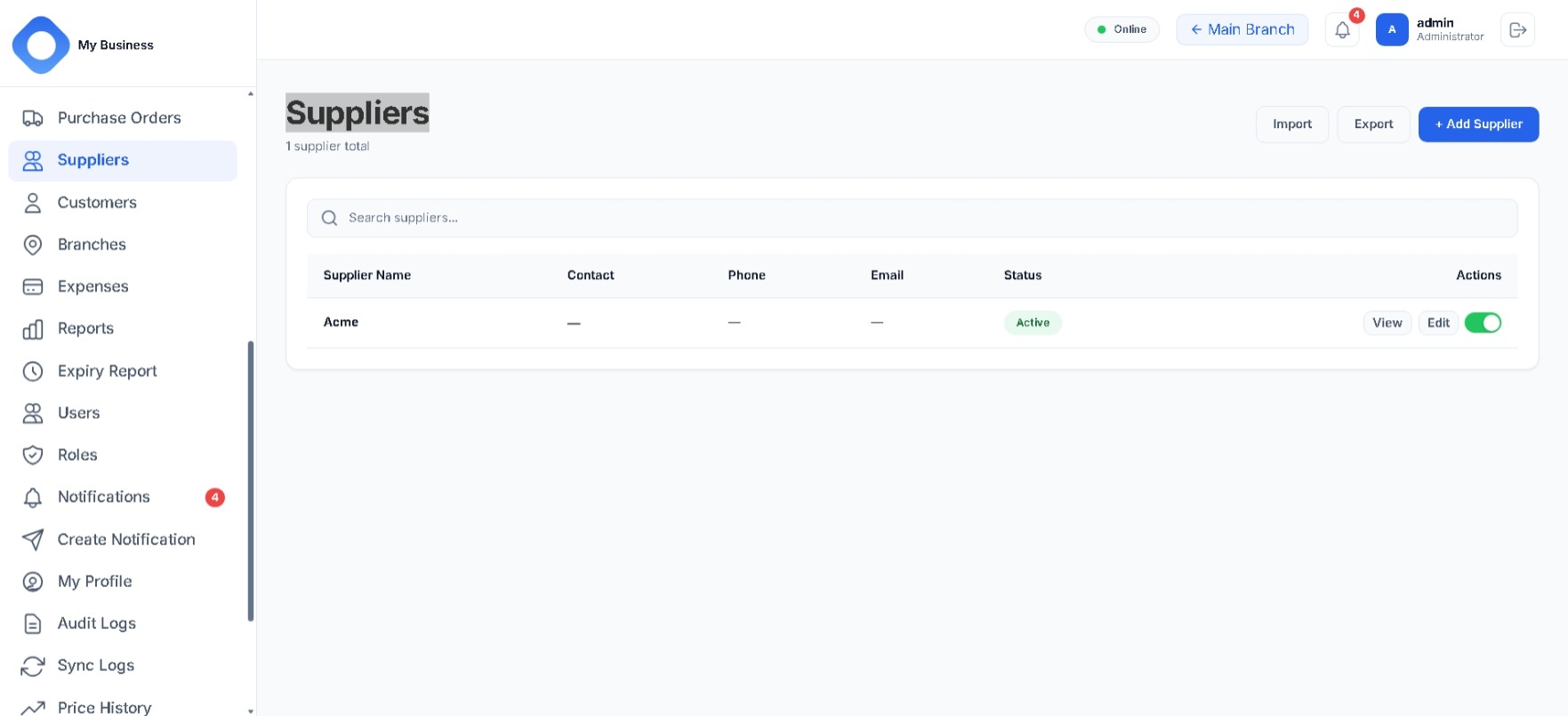
  • Products, categories, units of measure and suppliers
  • Barcodes with uniqueness checks
  • Cost, retail and wholesale pricing
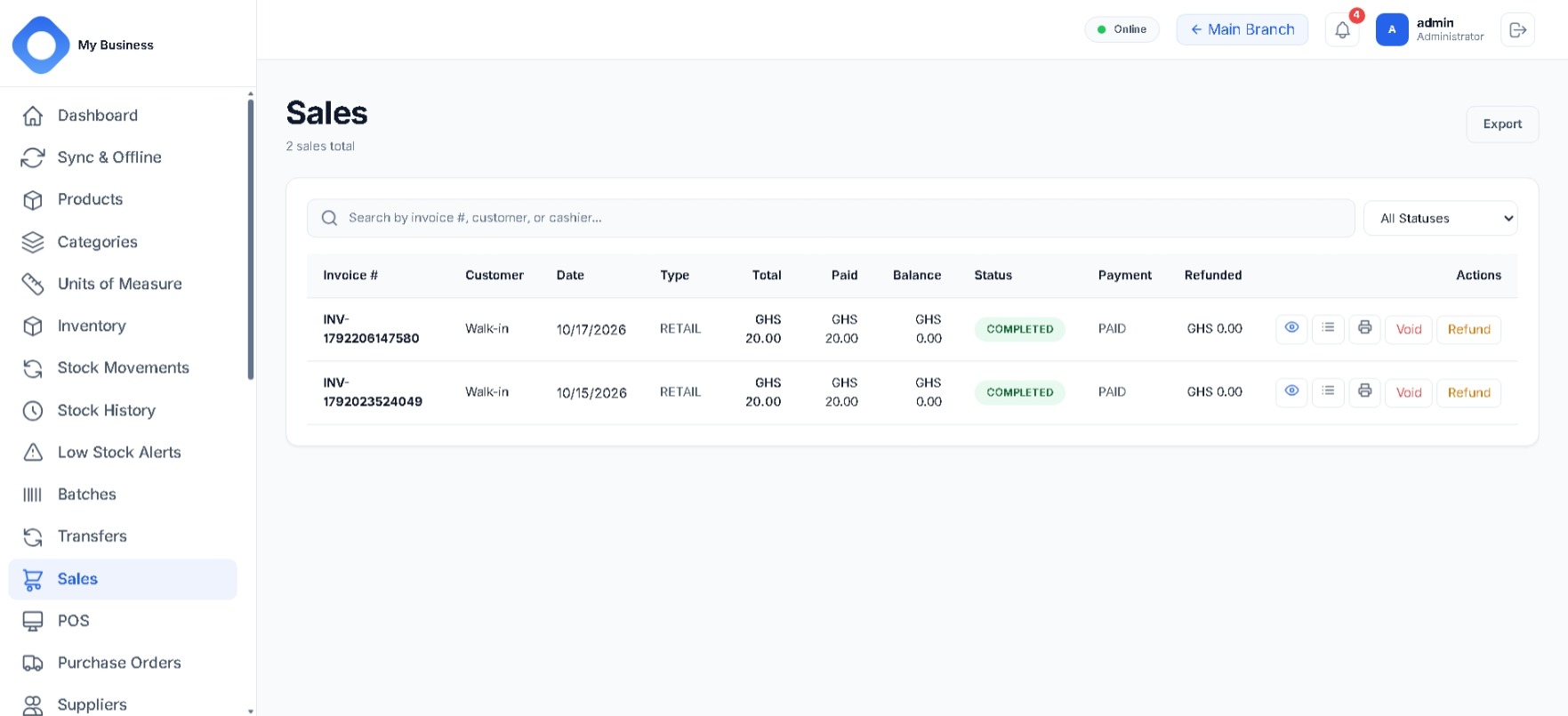
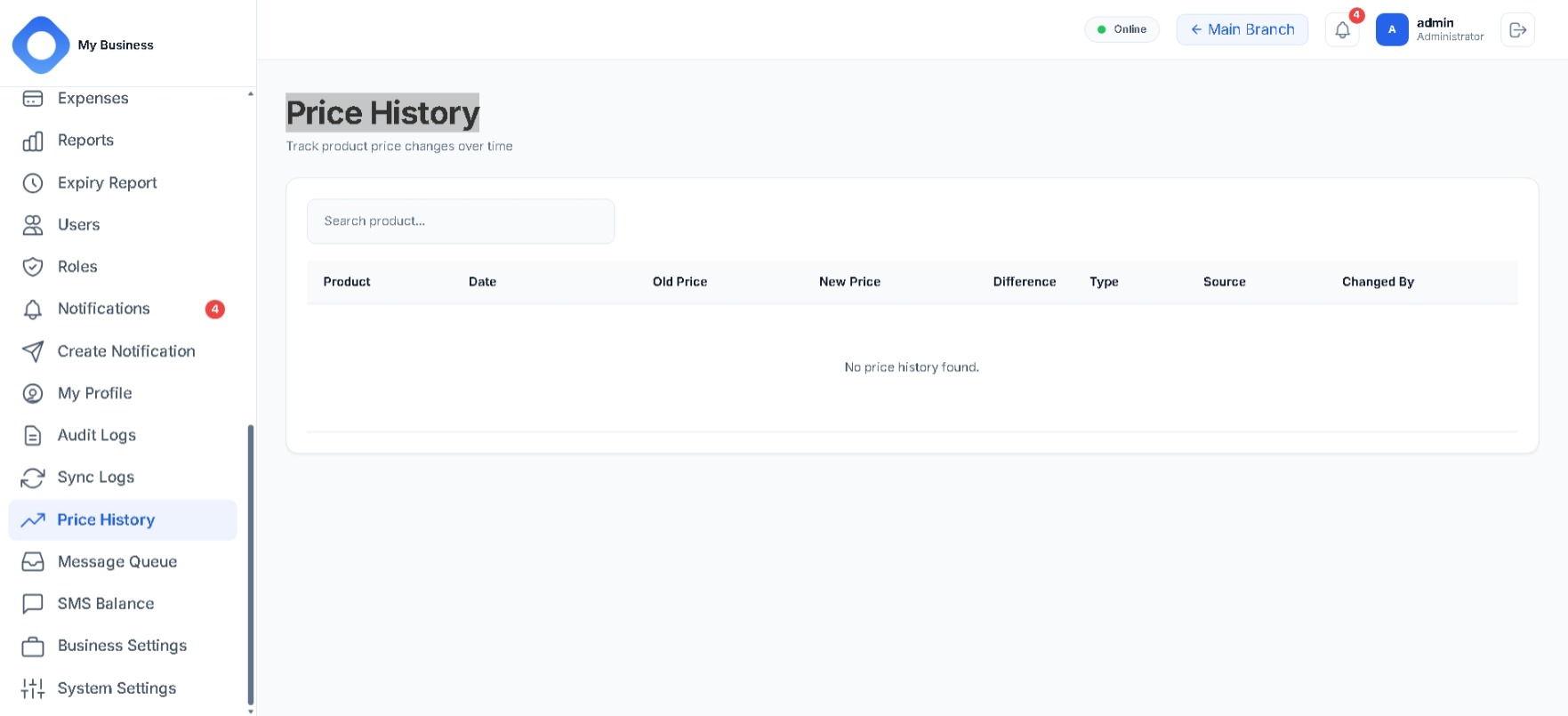
  • Price history recorded on change

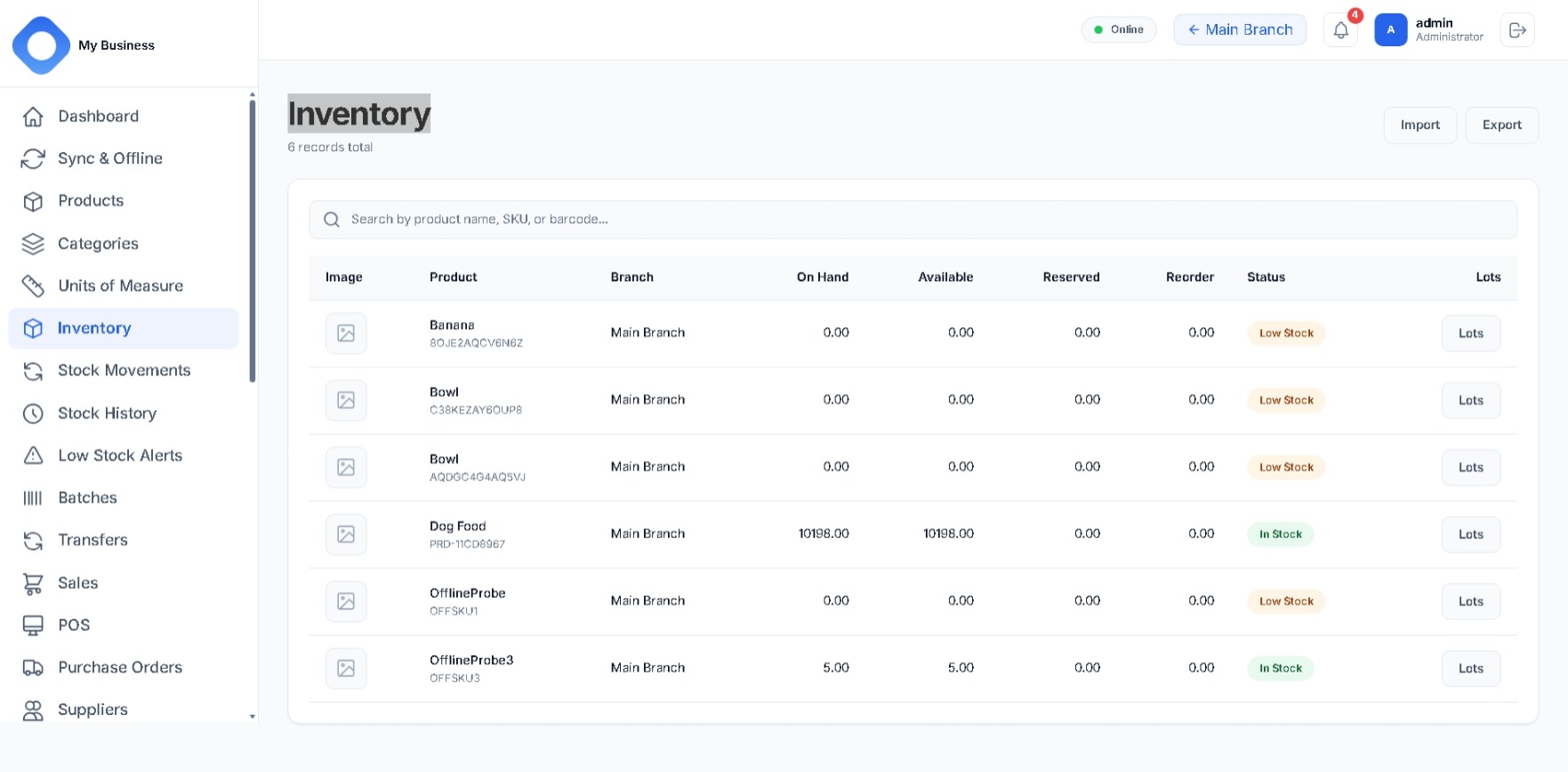
Inventory

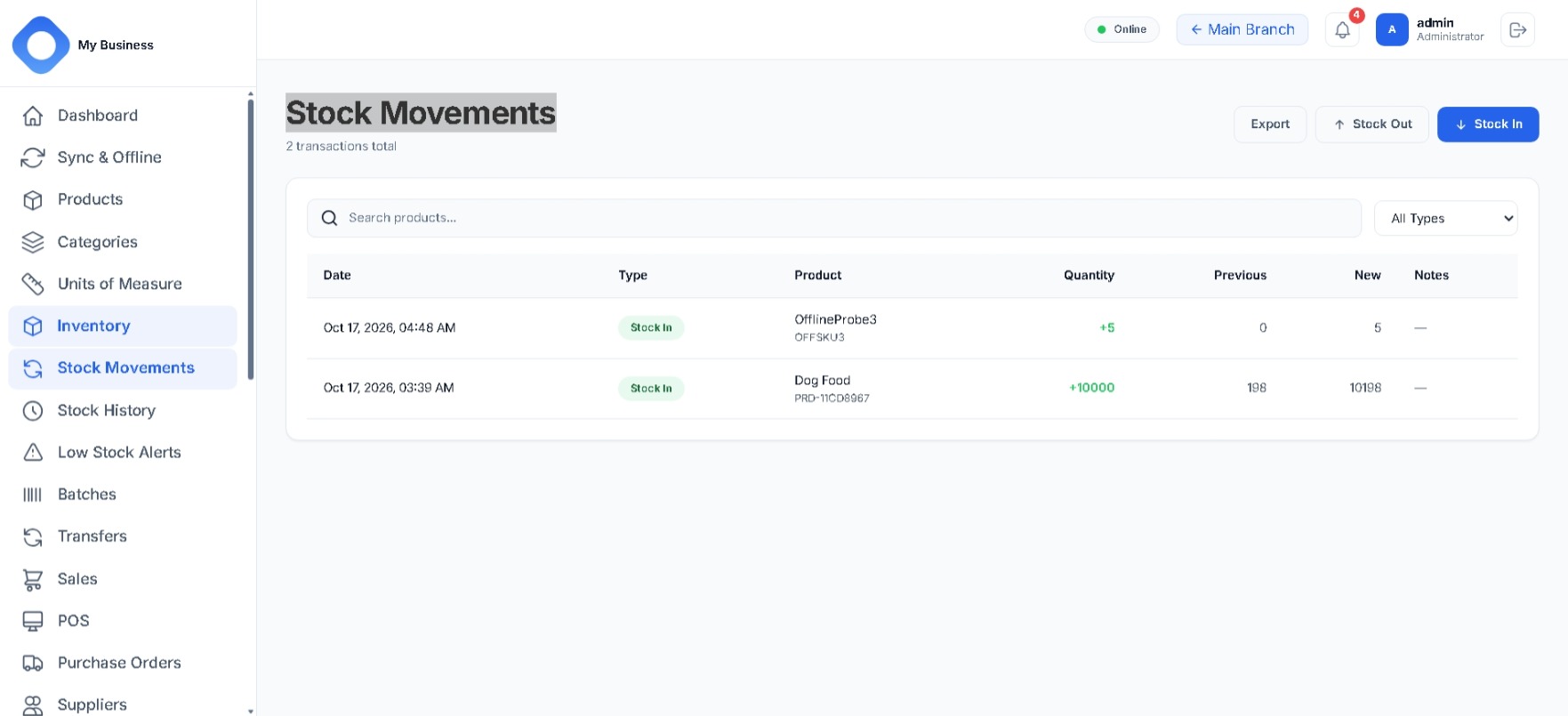
  • Stock-in and stock-out transactions
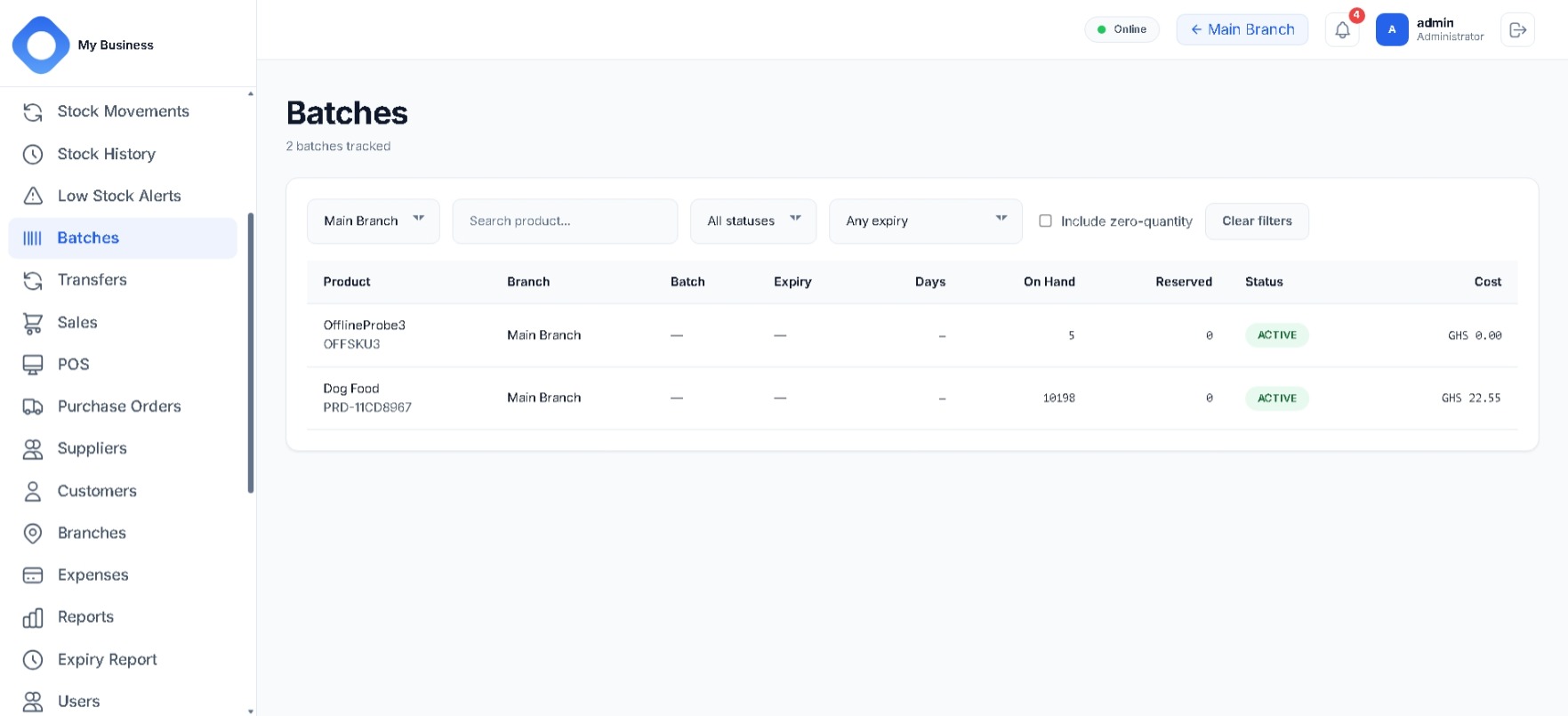
  • Current on-hand levels per branch
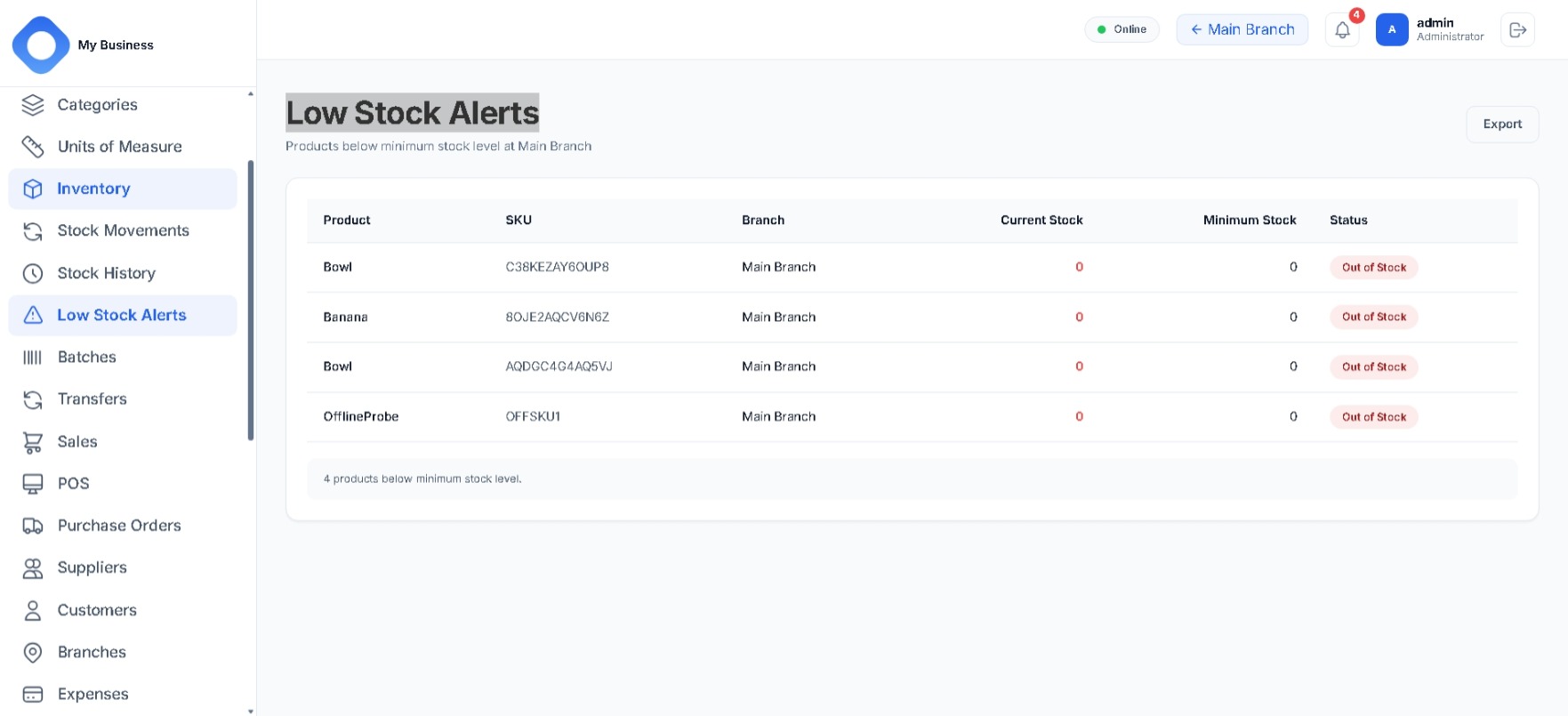
  • Low-stock alerts and reorder levels
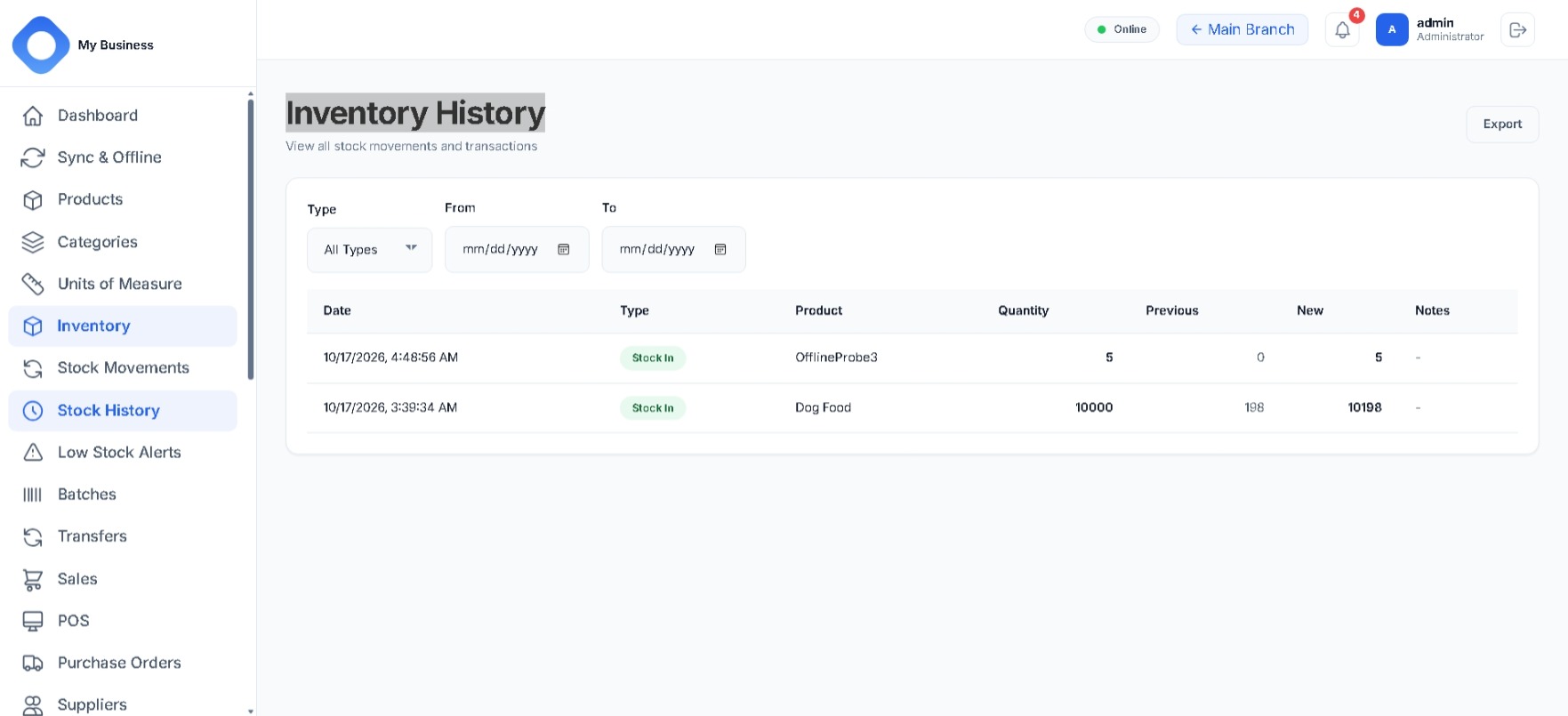
  • Movement history by product, branch and date

Purchasing

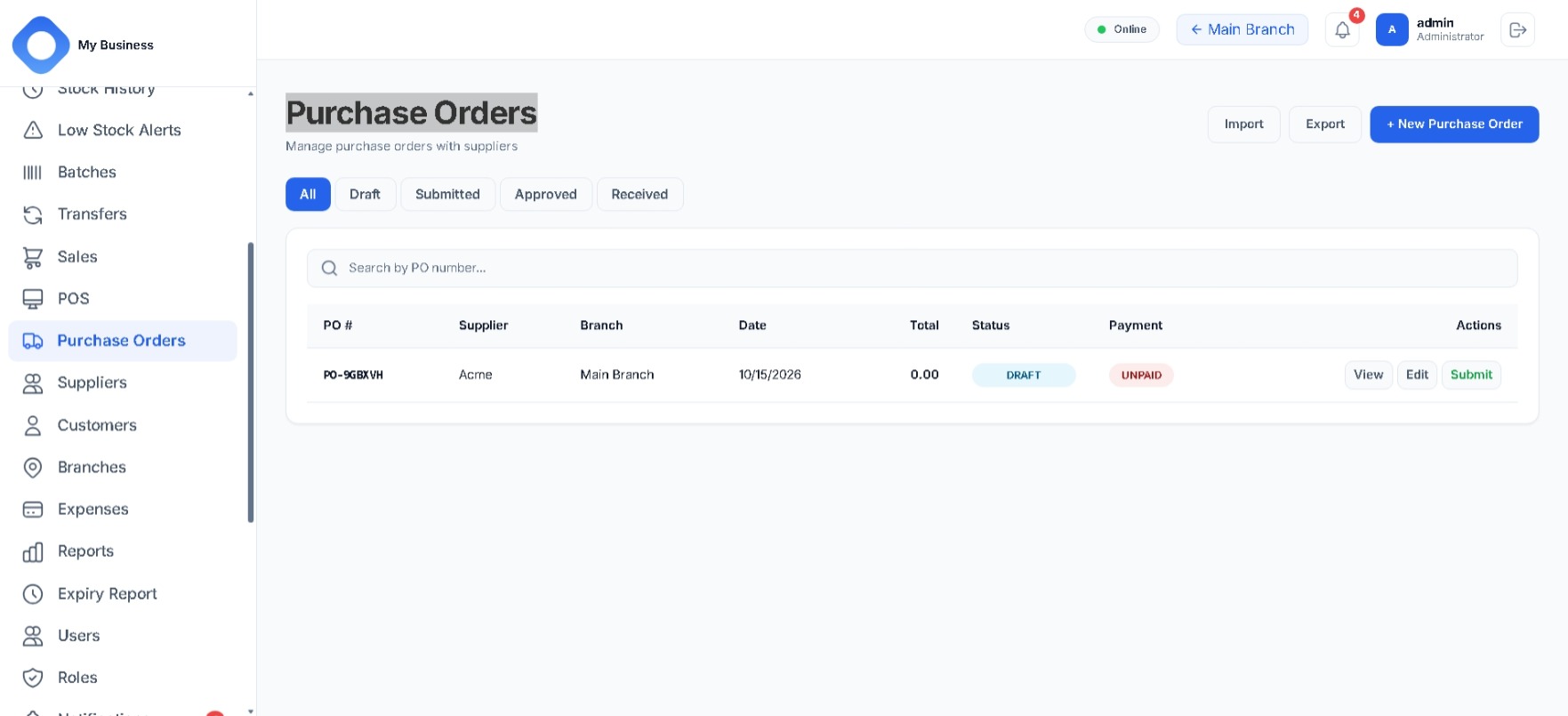
  • Supplier records and purchase orders
  • Create, submit, approve, receive
  • Receiving stocks goods into inventory automatically
  • Purchase history by supplier and status

Sales and point of sale

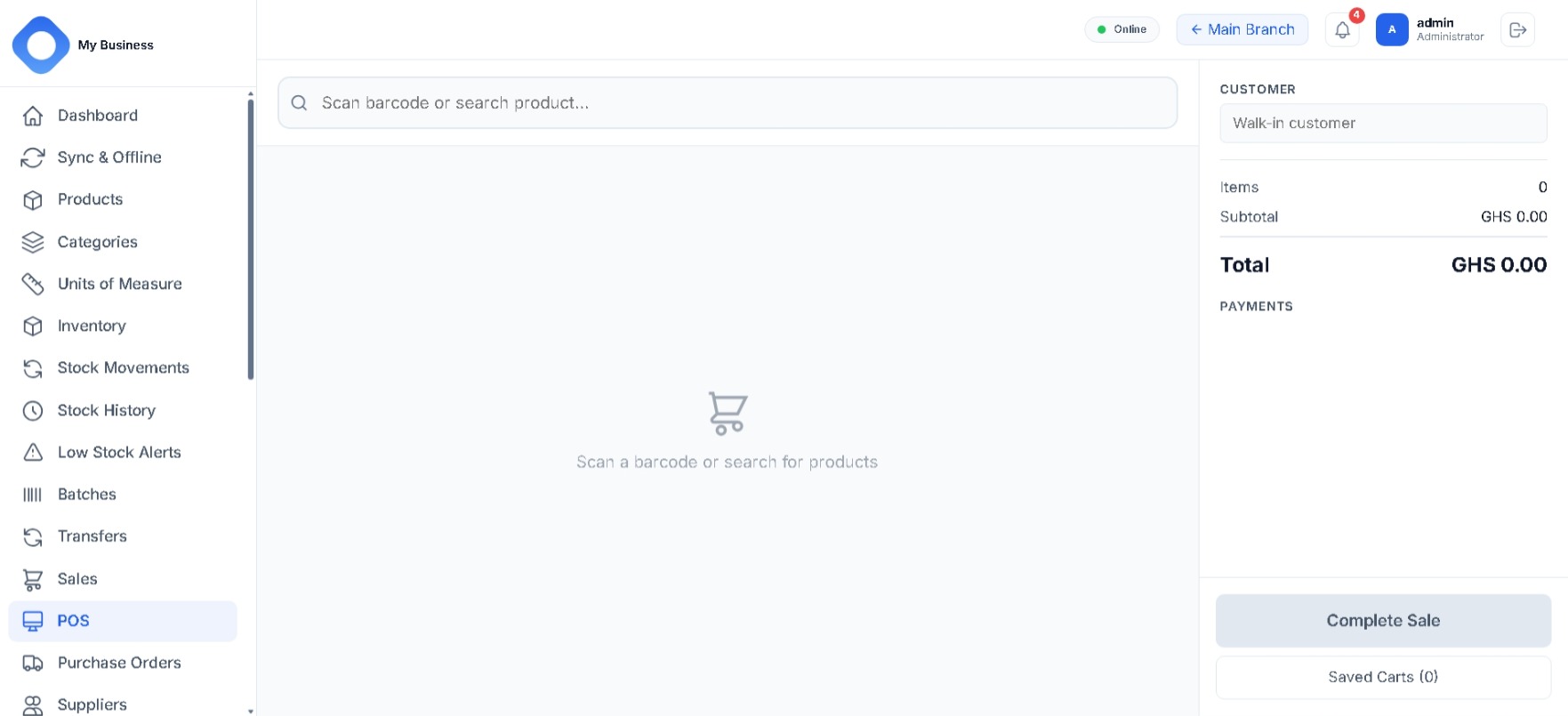
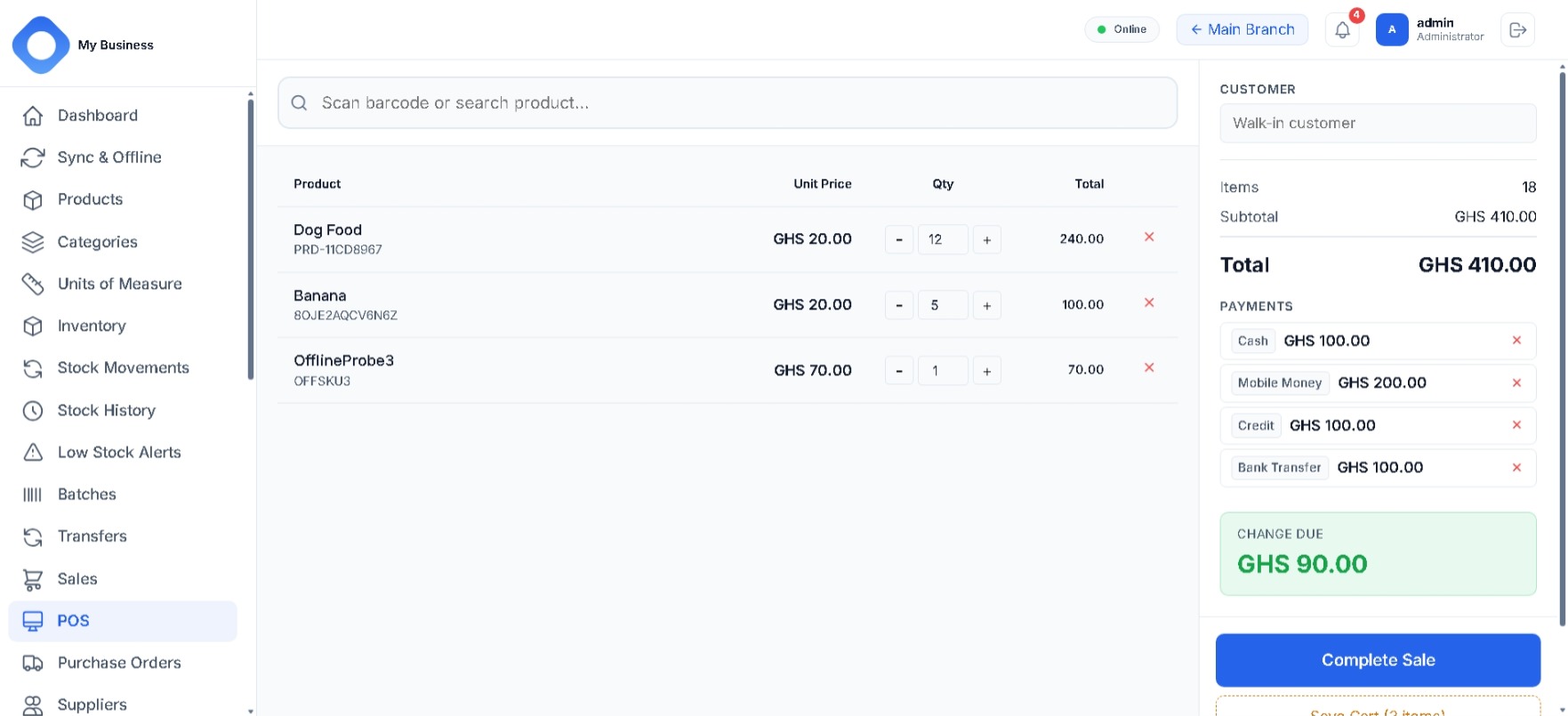
  • Fast POS with barcode scanning
  • Cash, card, mobile money, bank transfer and credit
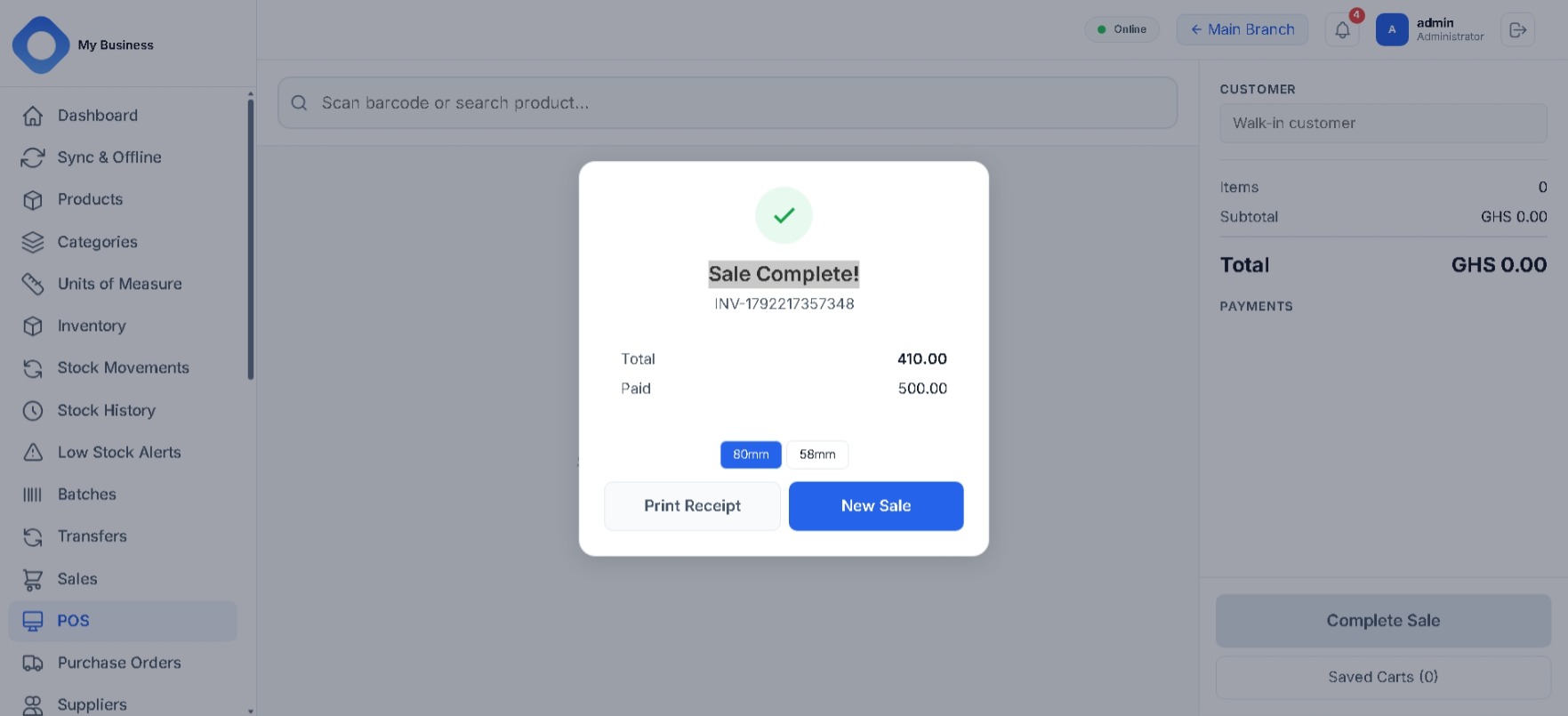
  • Receipts with invoice numbering
  • Void and refund handling

Multi-branch

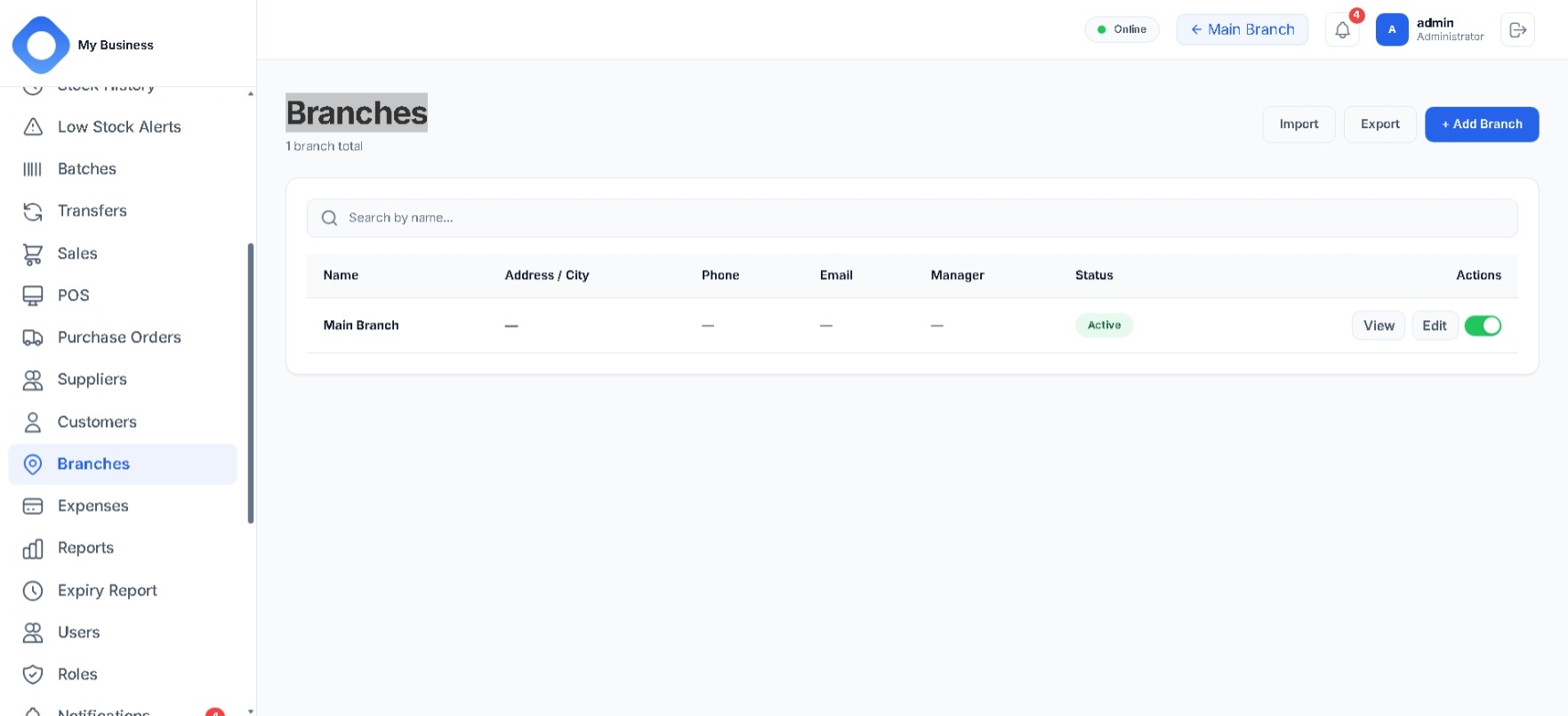
  • Multiple branches, each with its own stock
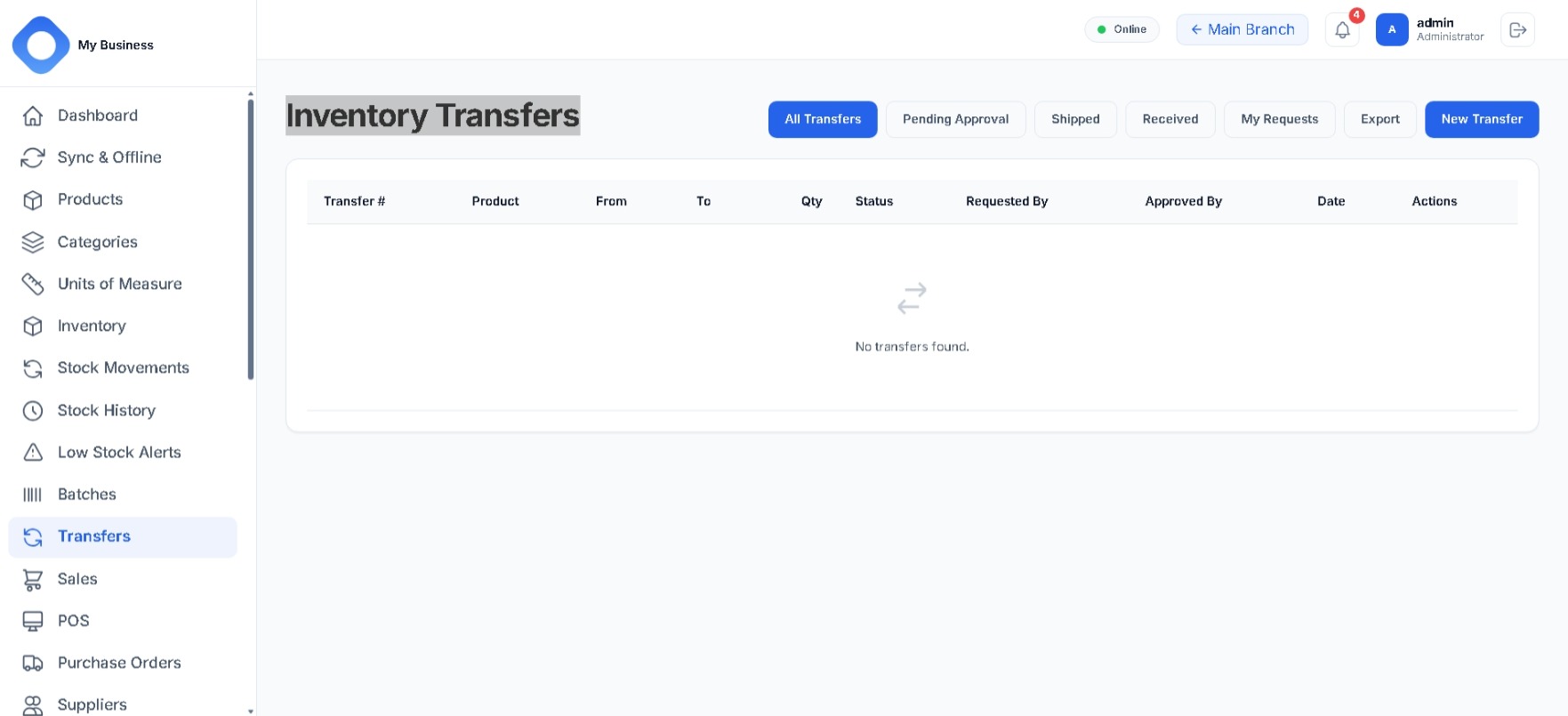
  • Inter-branch transfers with approval flow
  • Branch performance reporting
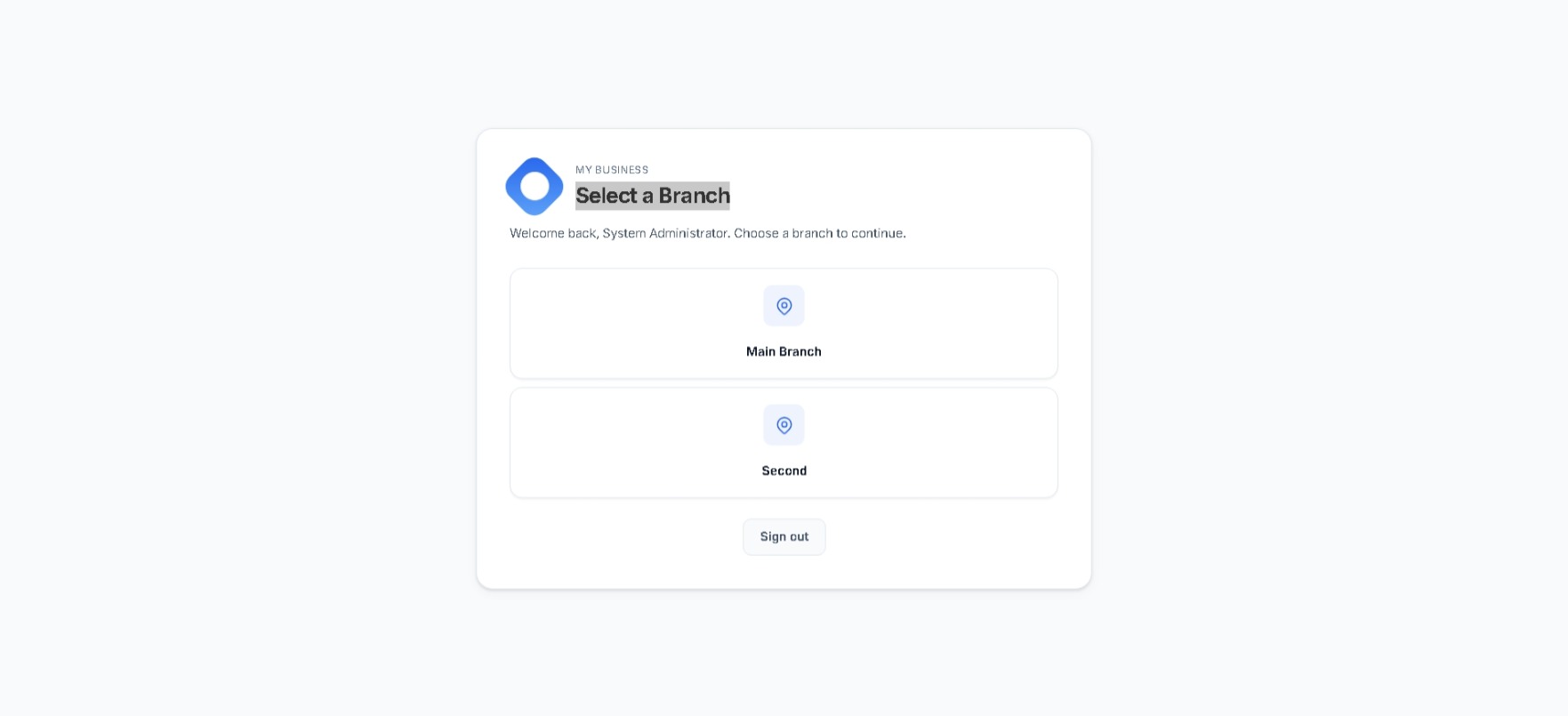
  • Branch selection per user

Reporting

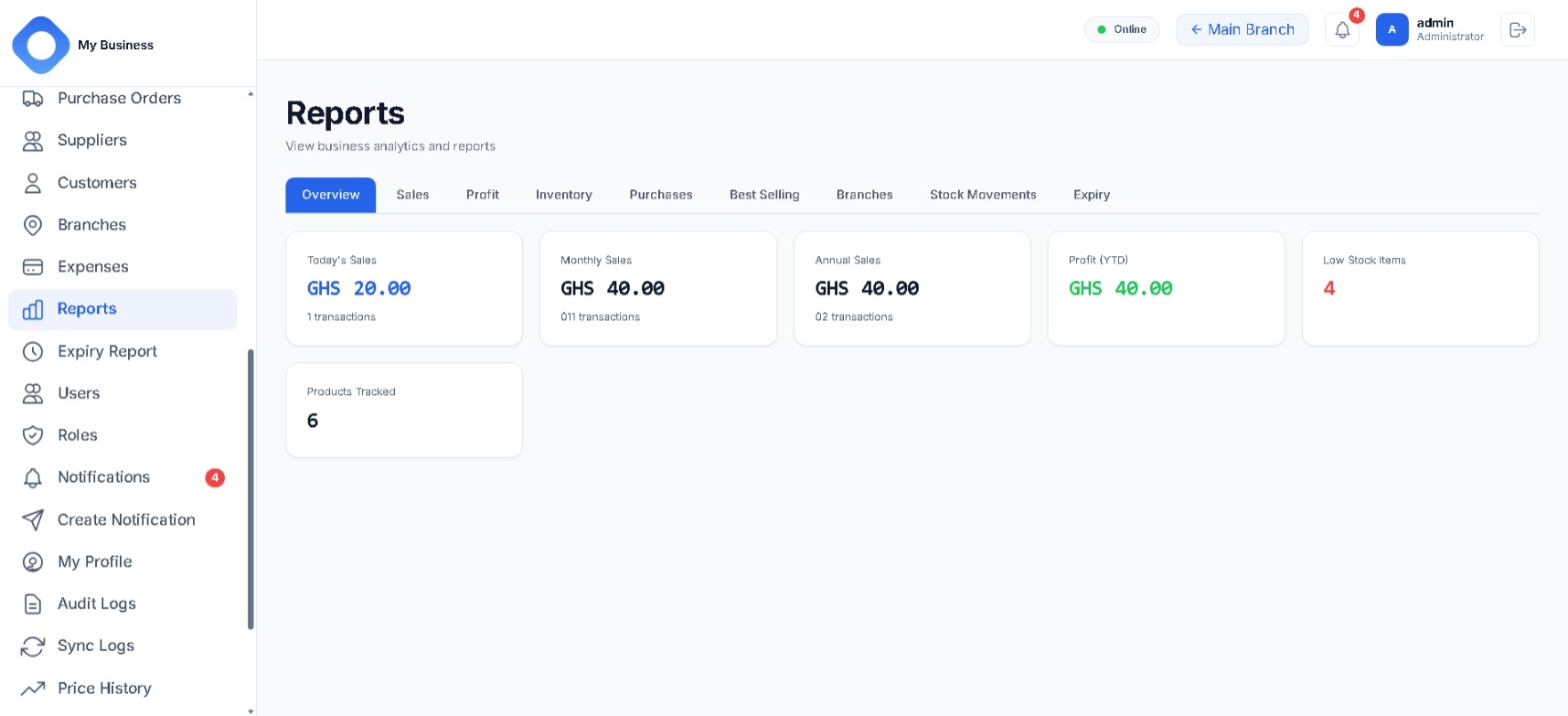
  • Daily, monthly and annual sales
  • Profit and stock movement reports
  • Low-stock and inventory views
  • Export to XLSX, CSV and PDF

Access control

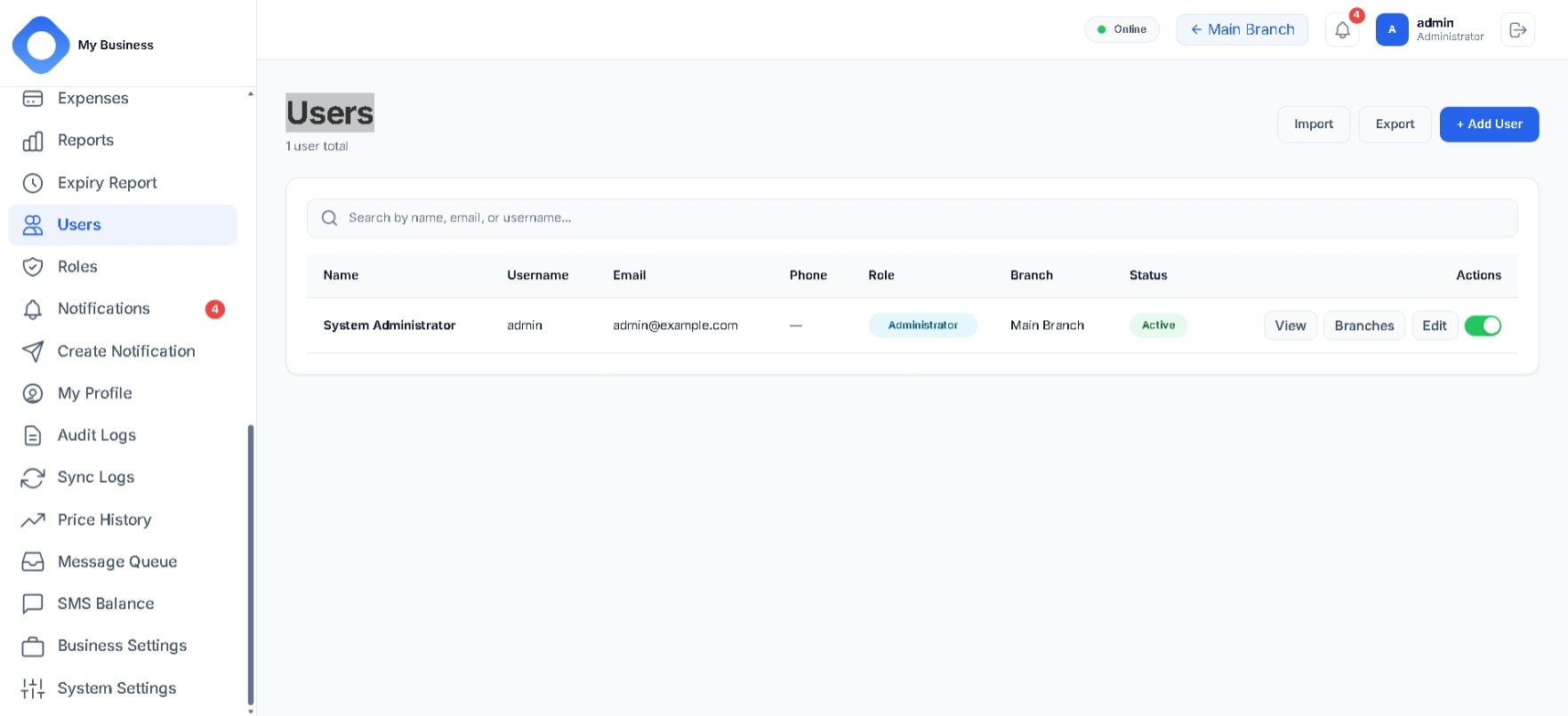
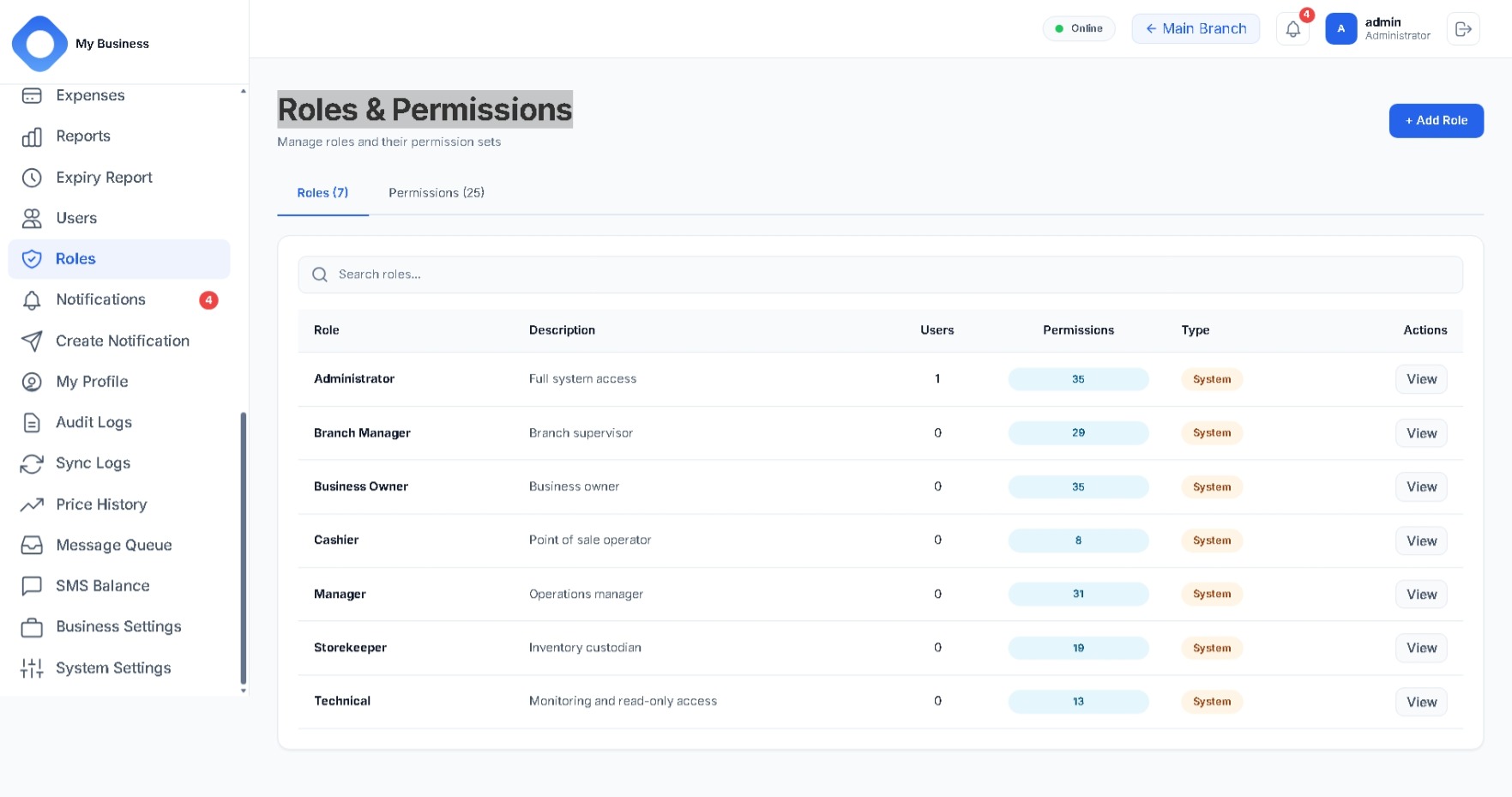
  • Users, roles and granular permissions
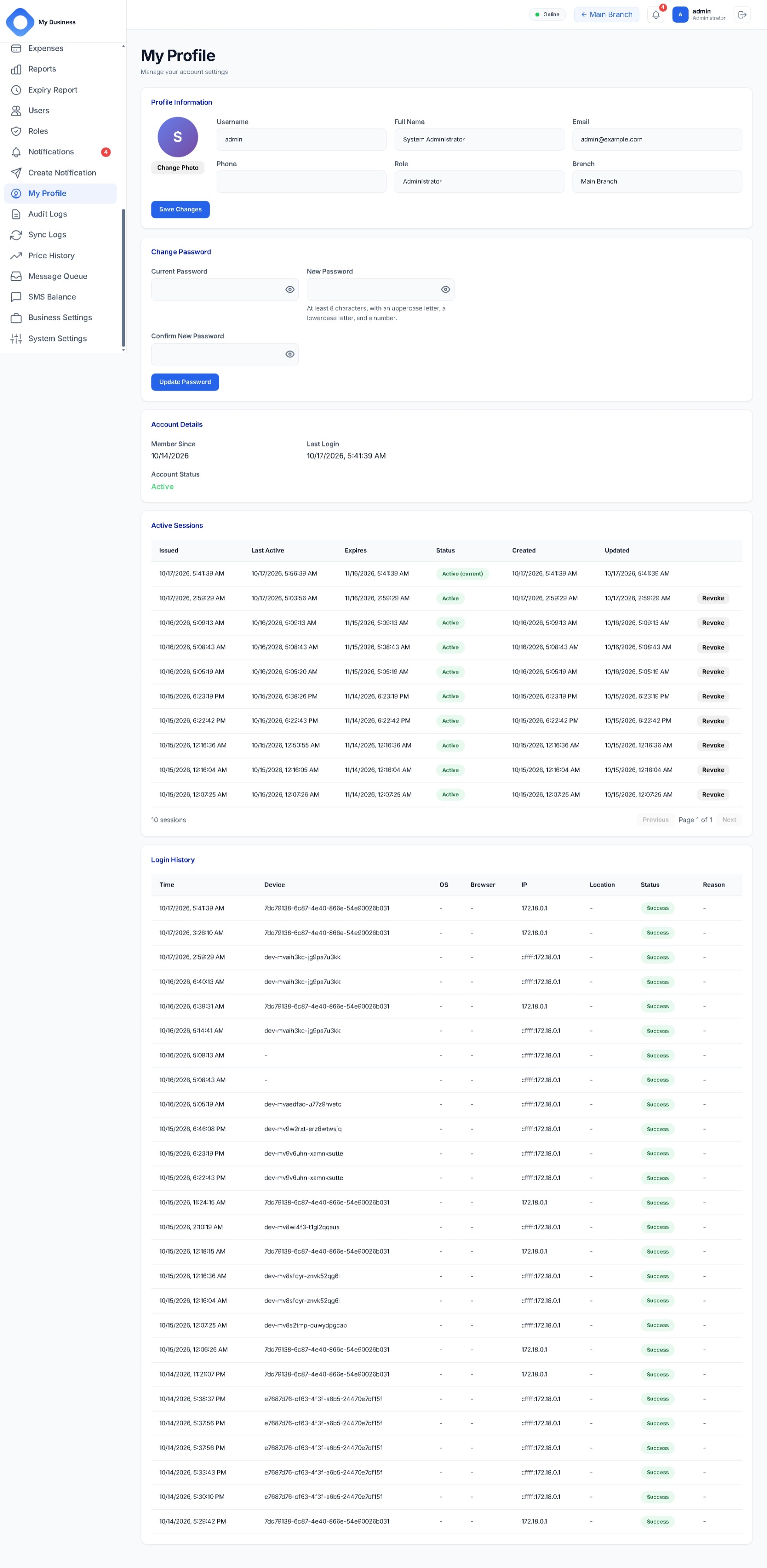
  • JWT sessions with refresh-token rotation
  • Deactivating a user revokes their sessions
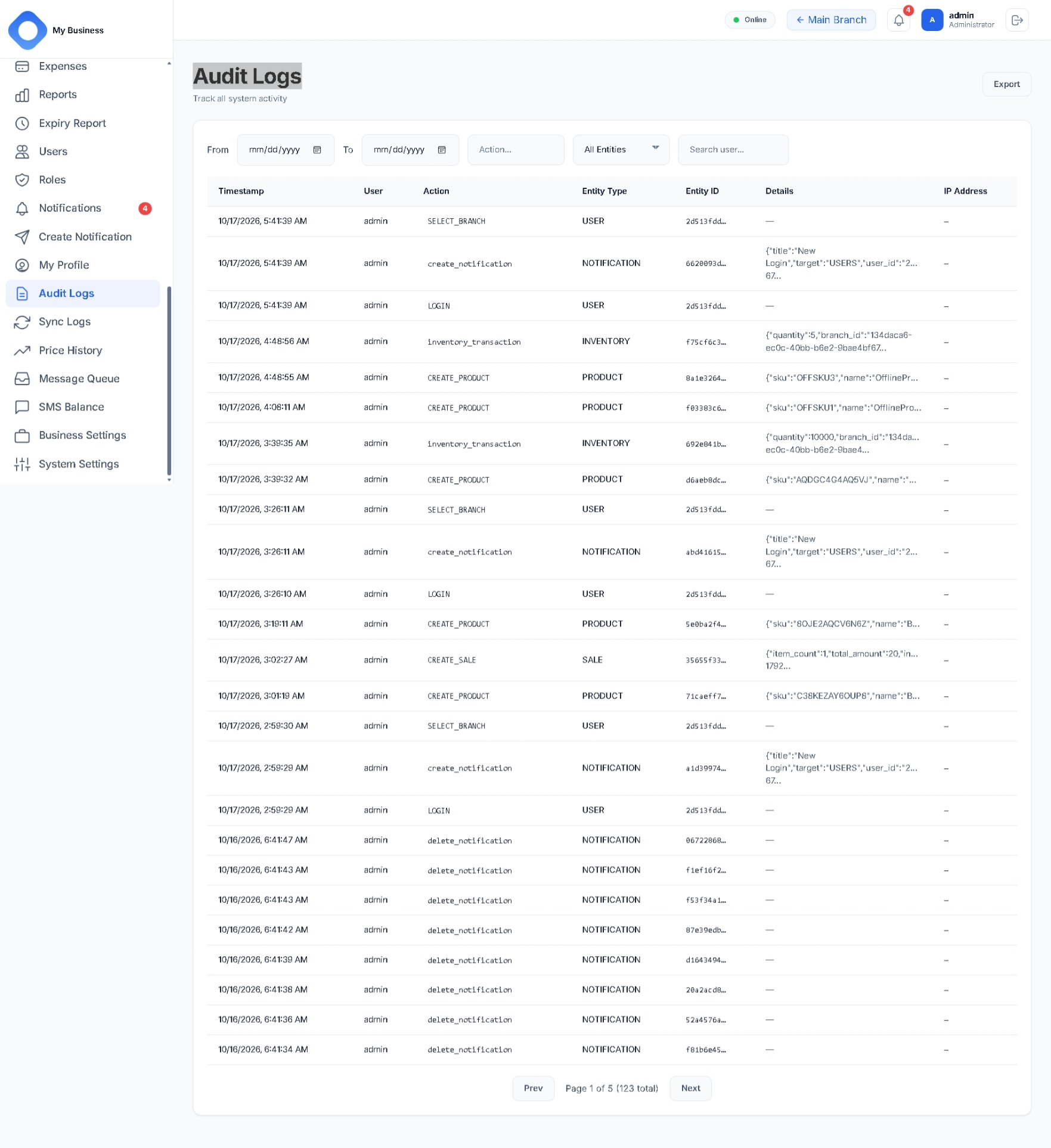
  • Audit trail for key actions

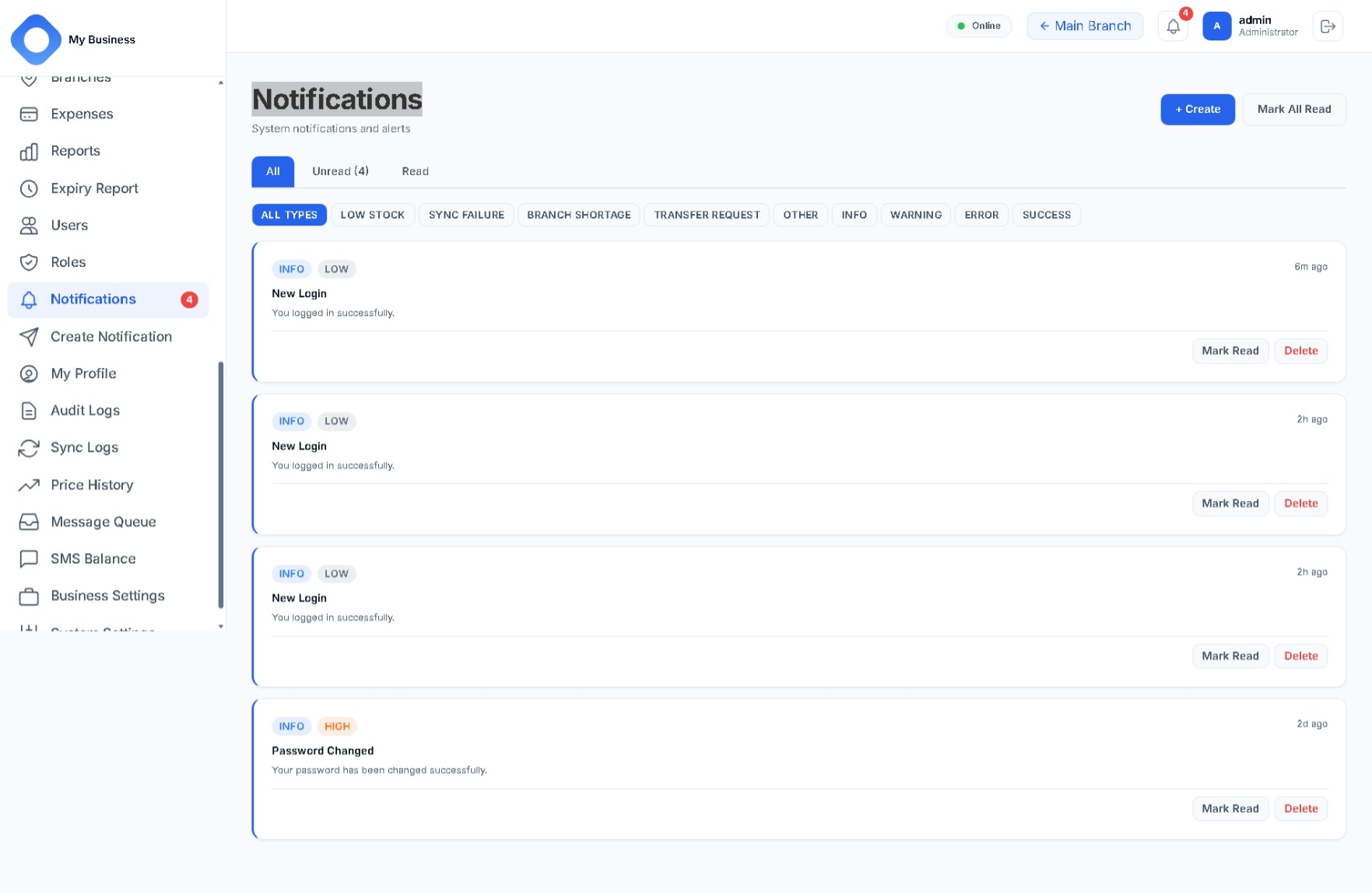
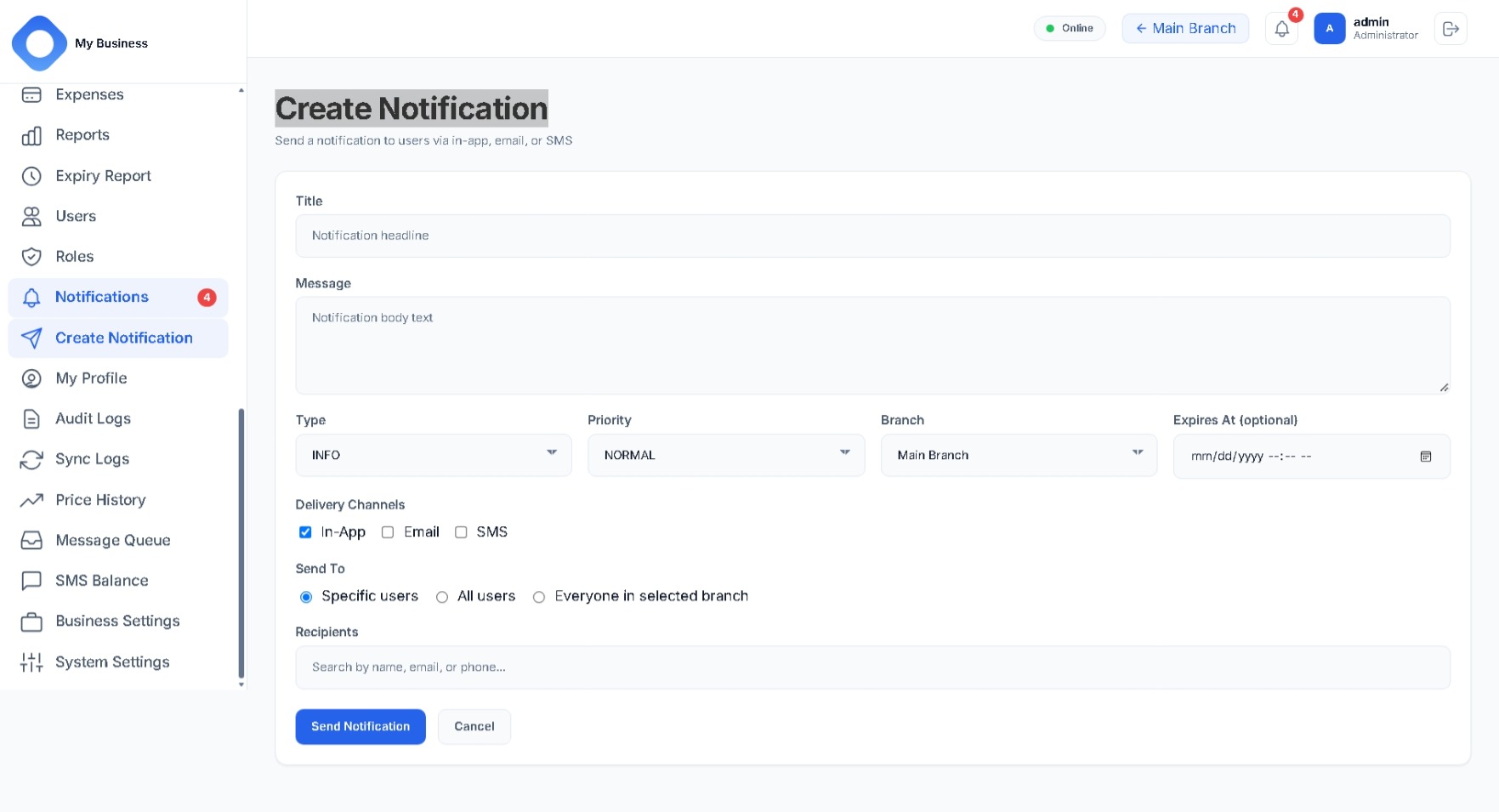
Notifications

  • Low-stock alerts with duplicate suppression
  • Branch shortage alerts on transfers
  • Failed-sync notifications to administrators
  • Unread badges in the interface

Barcodes and printing

  • Label printing in CODE128, configurable size and copies
  • Receipt printing, silent on desktop
  • Camera scanning on mobile
  • Hardware scanner support on desktop

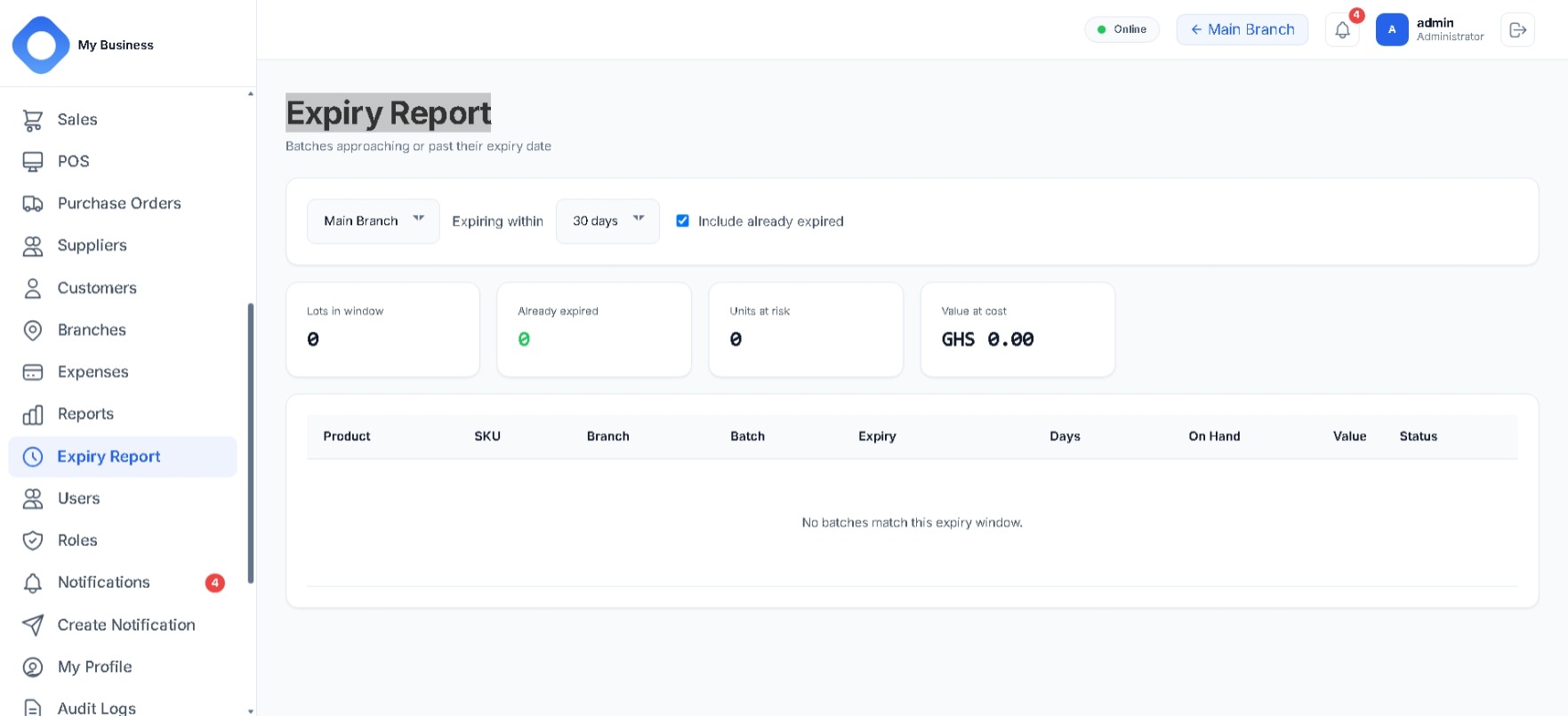
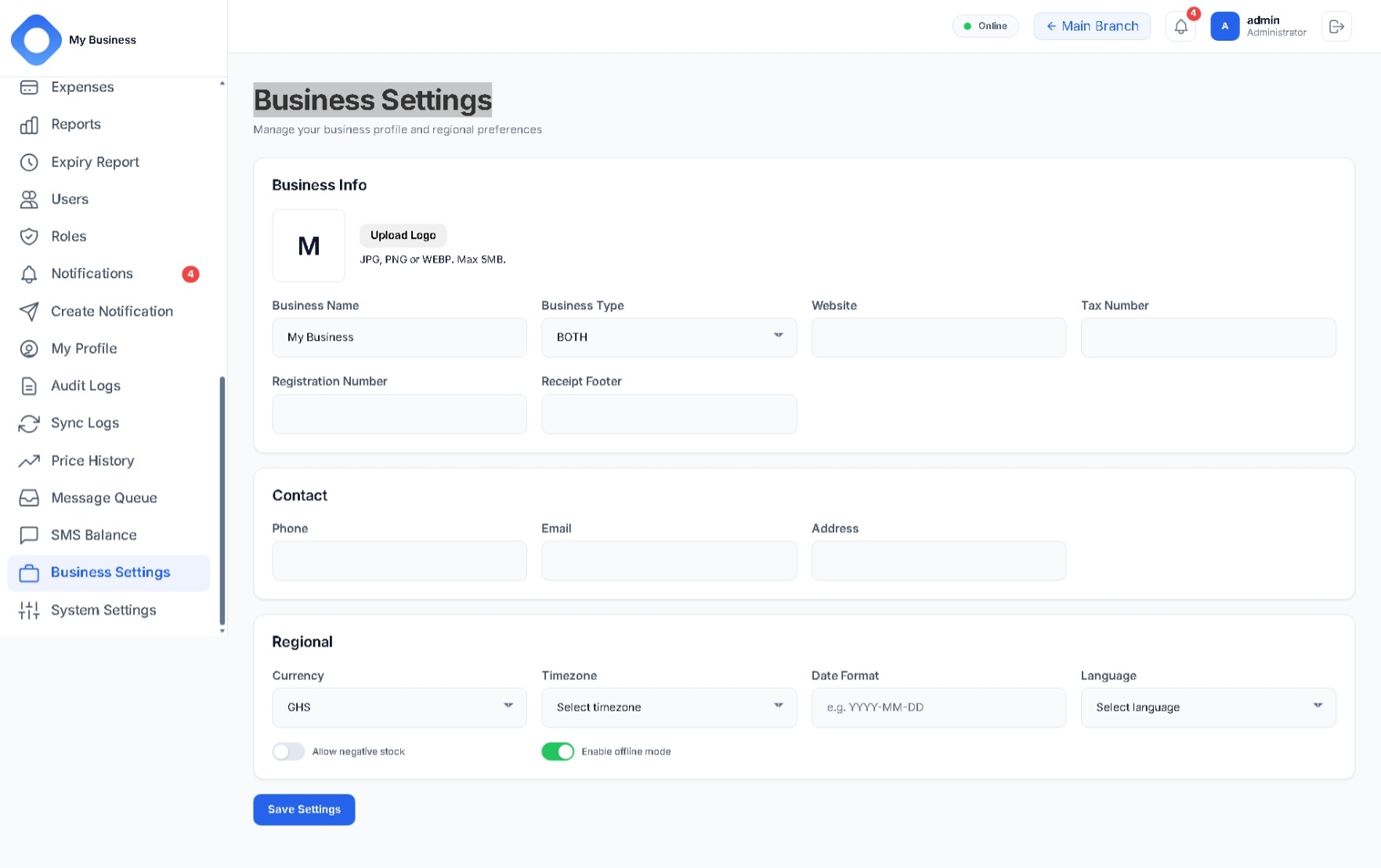
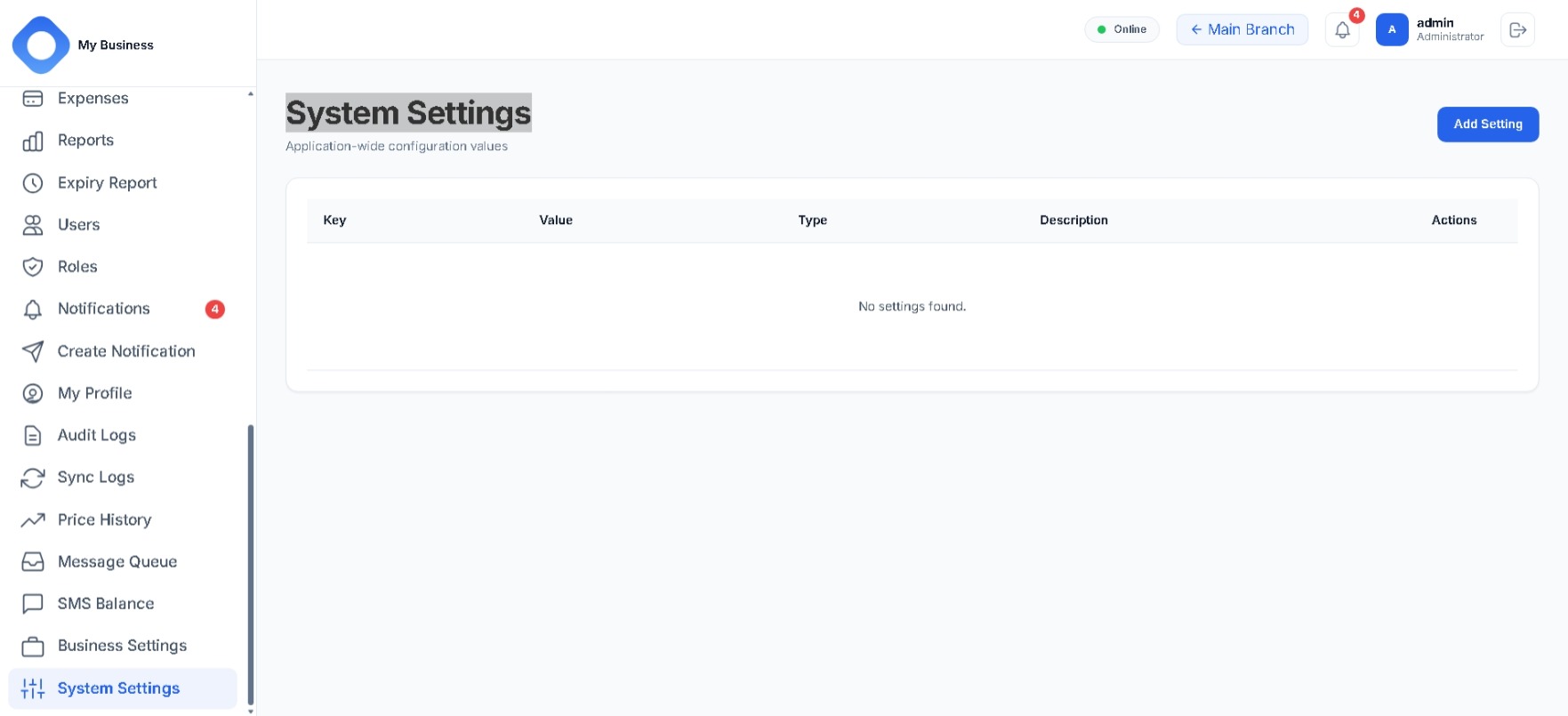
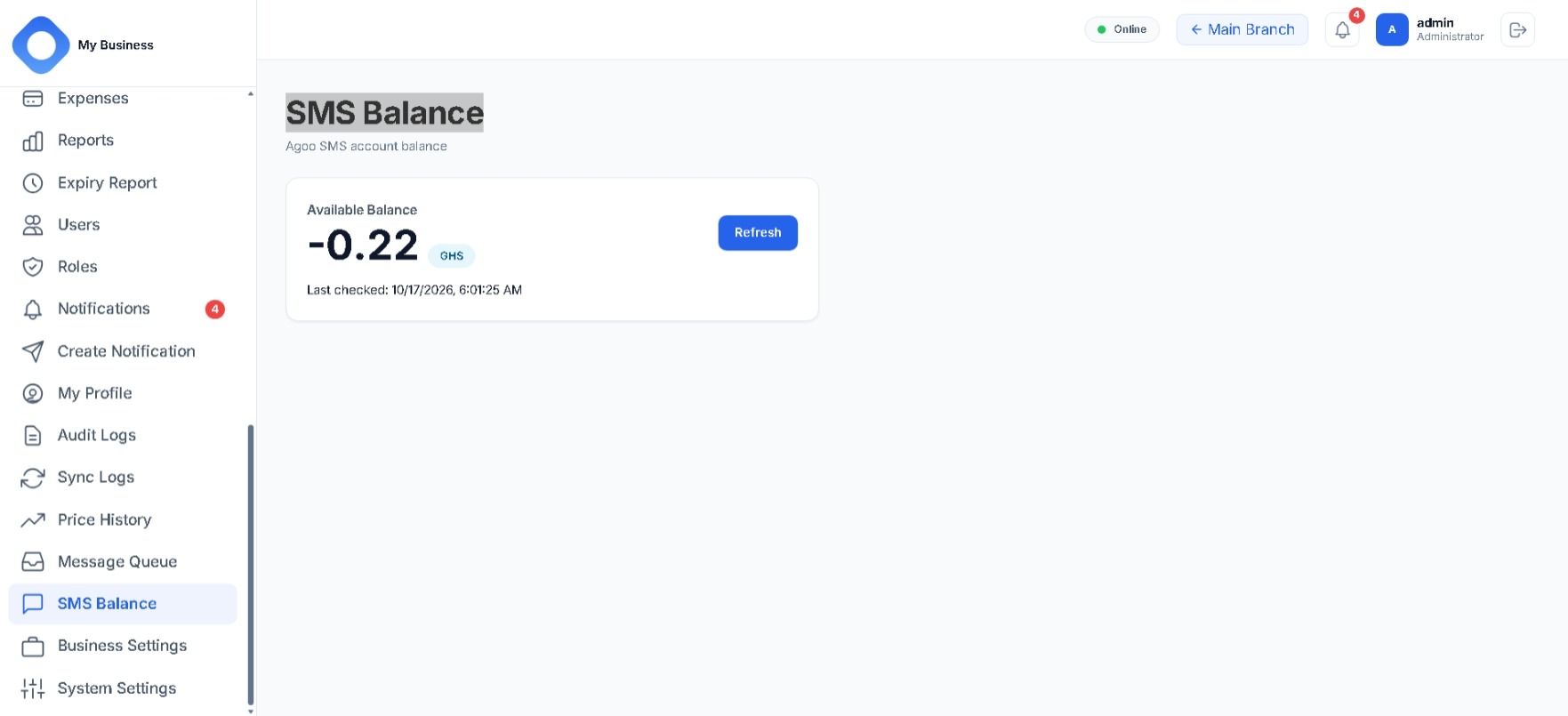
Screenshots

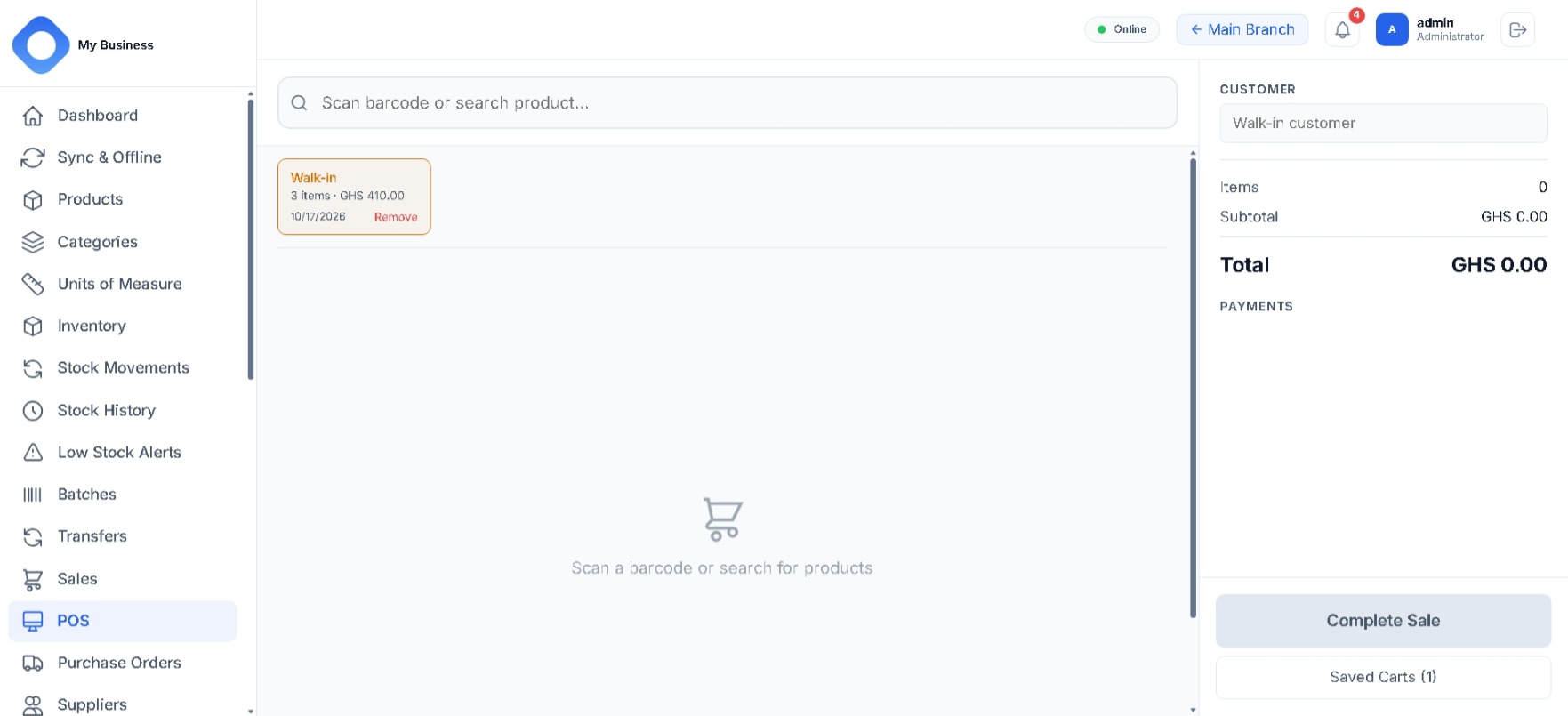
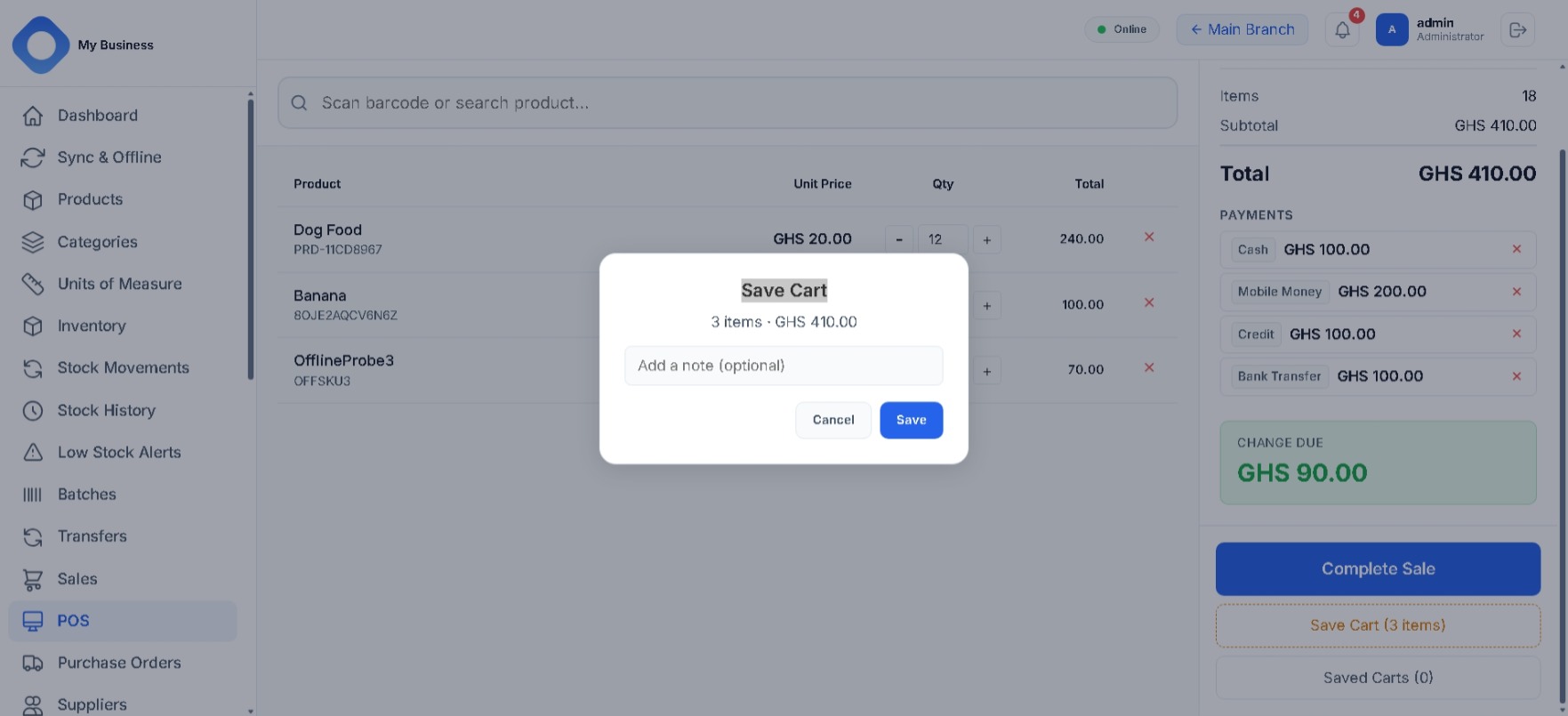
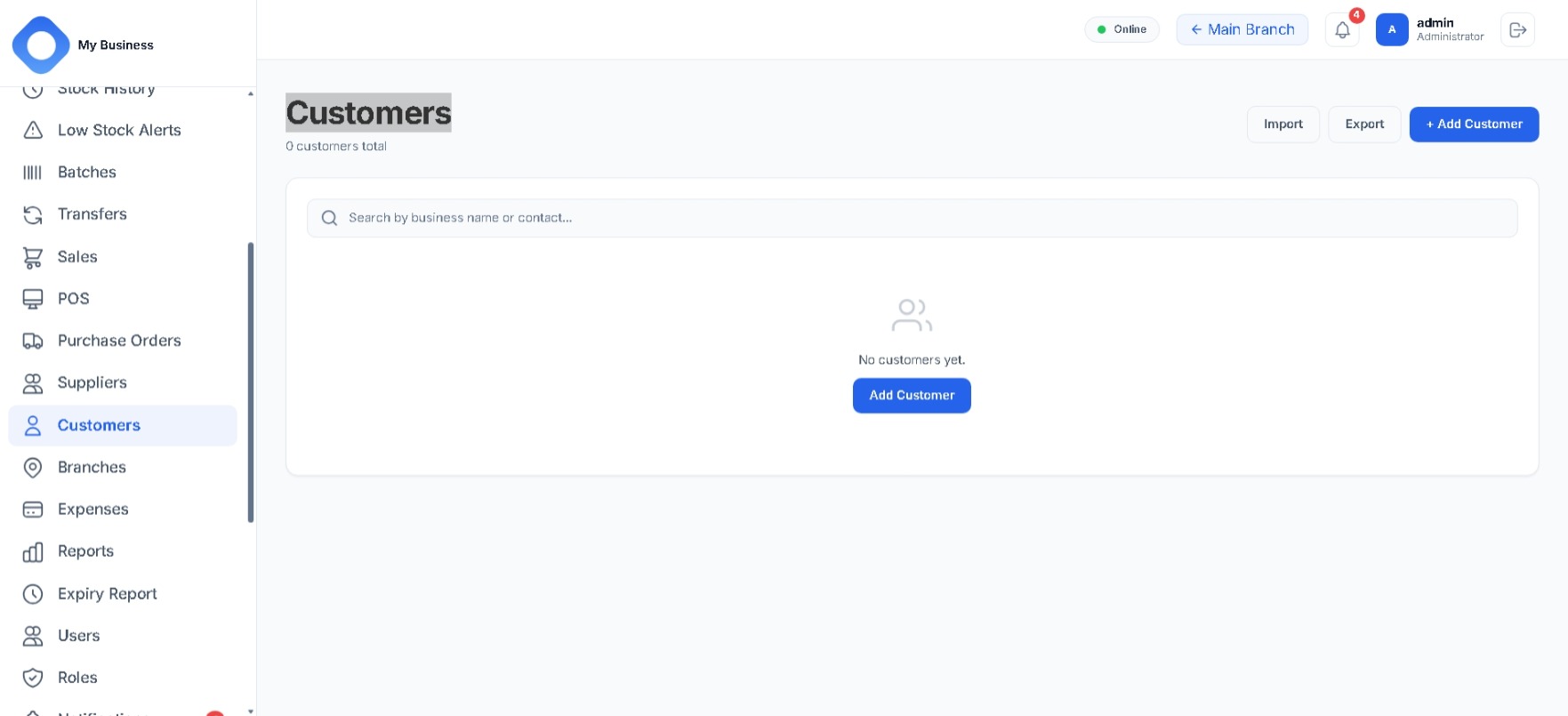
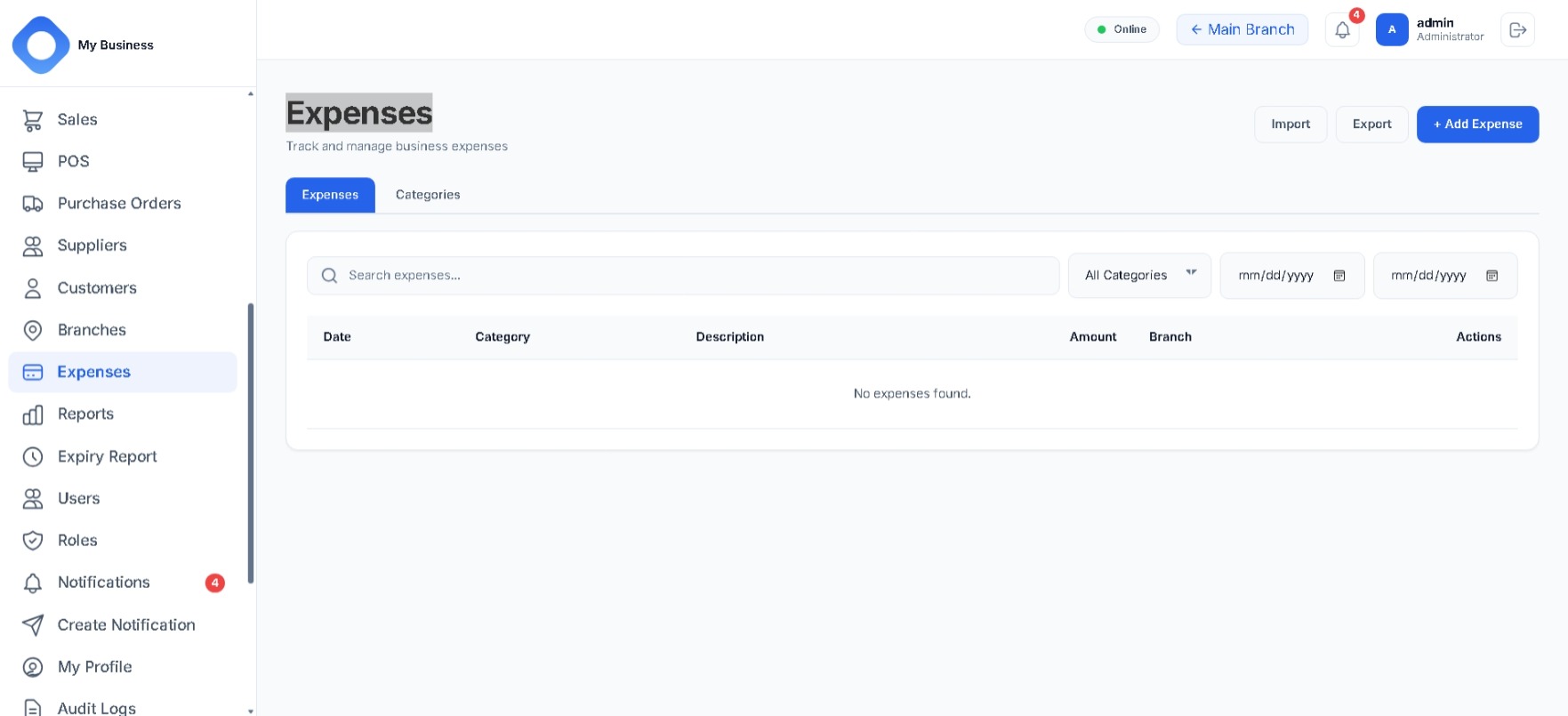
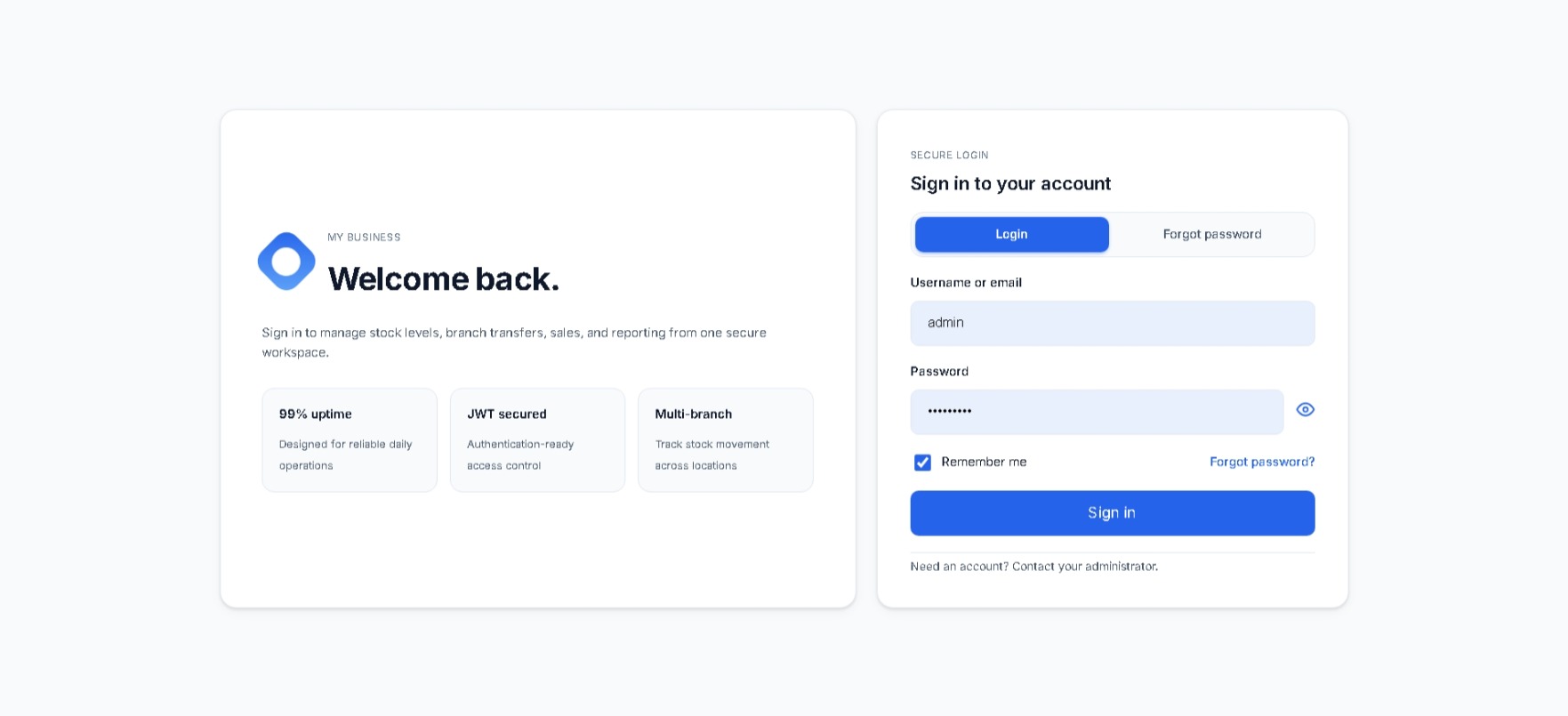
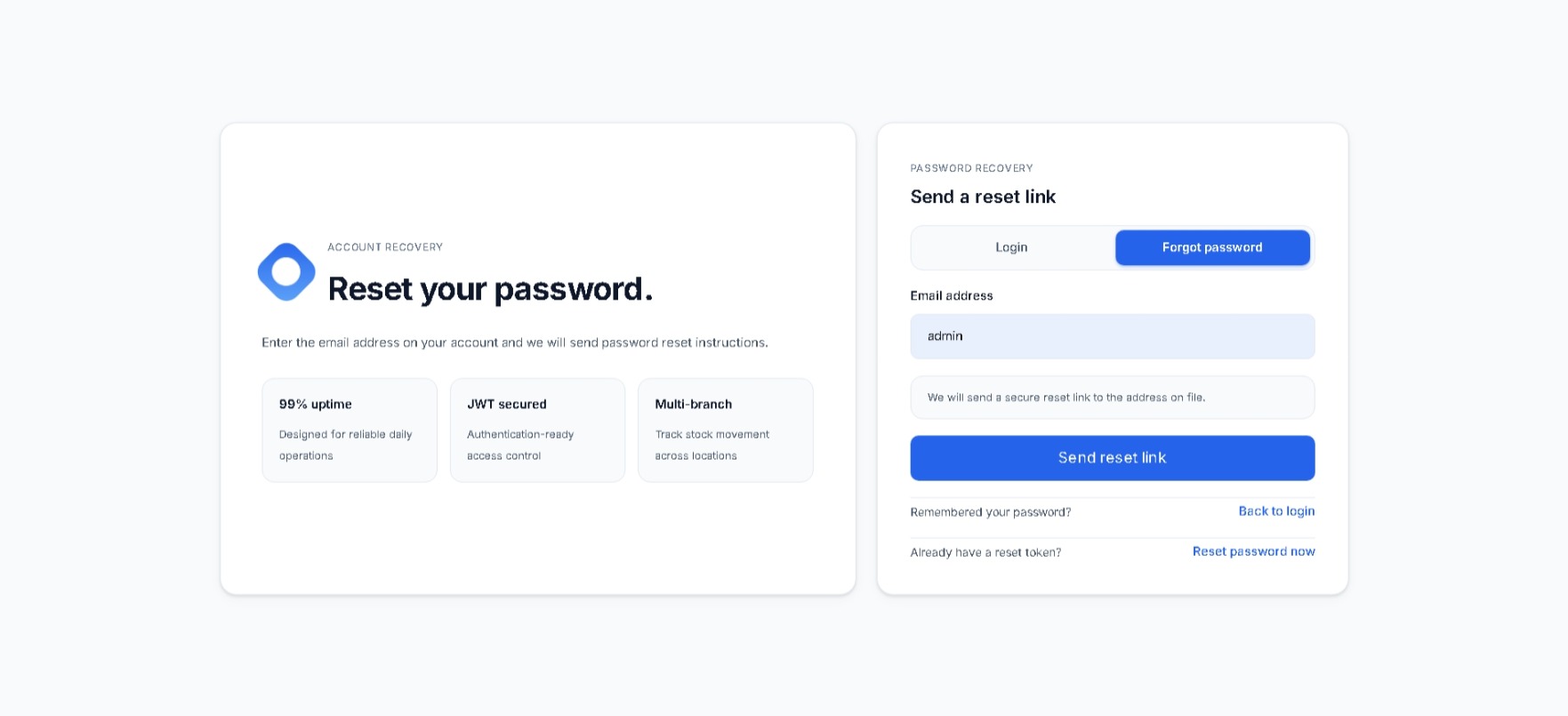
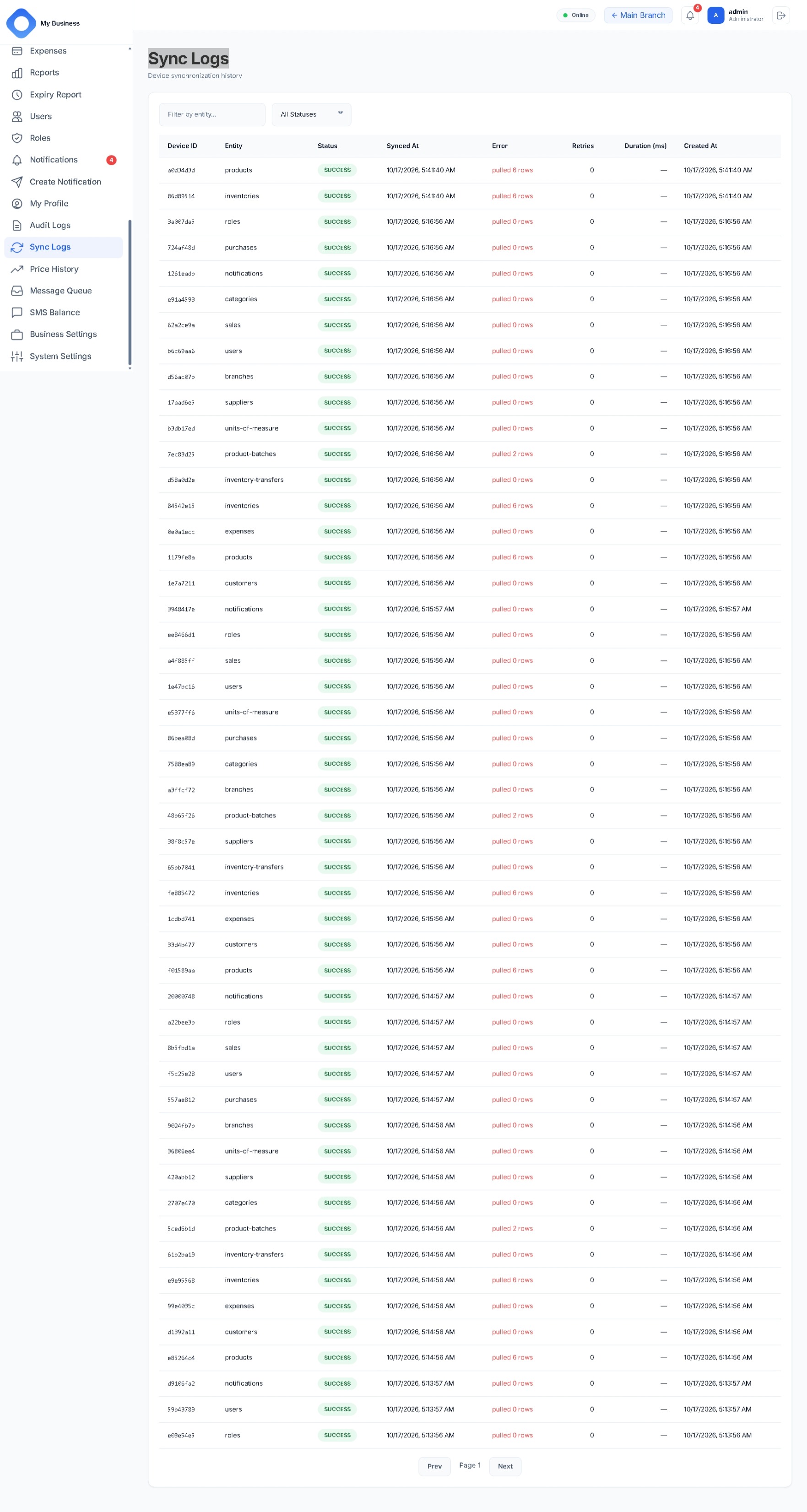
Captures from the running application, grouped by area. Select any image to open it full size.
Platform capabilities

The core system is the same everywhere; the differences follow from what each form factor is used for.

Capability Web Desktop Mobile
Catalogue, inventory, sales, purchasing, transfers Yes Yes Yes
Works offline with a local store IndexedDB IndexedDB SQLite
Queued writes replayed on reconnect Yes Yes Yes
Sync status and retry of queued work Yes Yes Yes
Barcode scanning Scan field Hardware scanner (HID and wedge) Camera
Receipt printing Browser dialog Native and silent System share
Barcode label printing Yes Yes Yes
Installation None (browser) Windows installer App build

Architecture

A RESTful API backend over PostgreSQL, a small worker for background jobs, and three clients that each keep a local cache and write queue.

Backend

Node.js Express REST / JSON JWT auth Roles and permissions Idempotent writes Rate limiting

Data and infrastructure

PostgreSQL Redis queue Background worker Docker Compose Nginx Migrations and seeds

Web client

React Vite IndexedDB Axios XLSX and PDF export Barcodes and QR

Desktop client

Electron React IndexedDB Native printing HID scanner bridge Windows installer

Mobile client

Expo / React Native SQLite Expo Router Camera scanning Secure storage Network awareness

Contact & support

Questions, bug reports, deployment help or feature requests — get in touch.